CO2 monitoring for offices, schools and plants, with ventilation that responds.
CO2 monitoring measures carbon dioxide in occupied spaces as a proxy for how well they are ventilated. Aqueduct tracks CO2 per zone against targets you set, counts exposure only during occupied hours if you choose, and raises or relaxes ventilation through connected equipment where control is enabled.
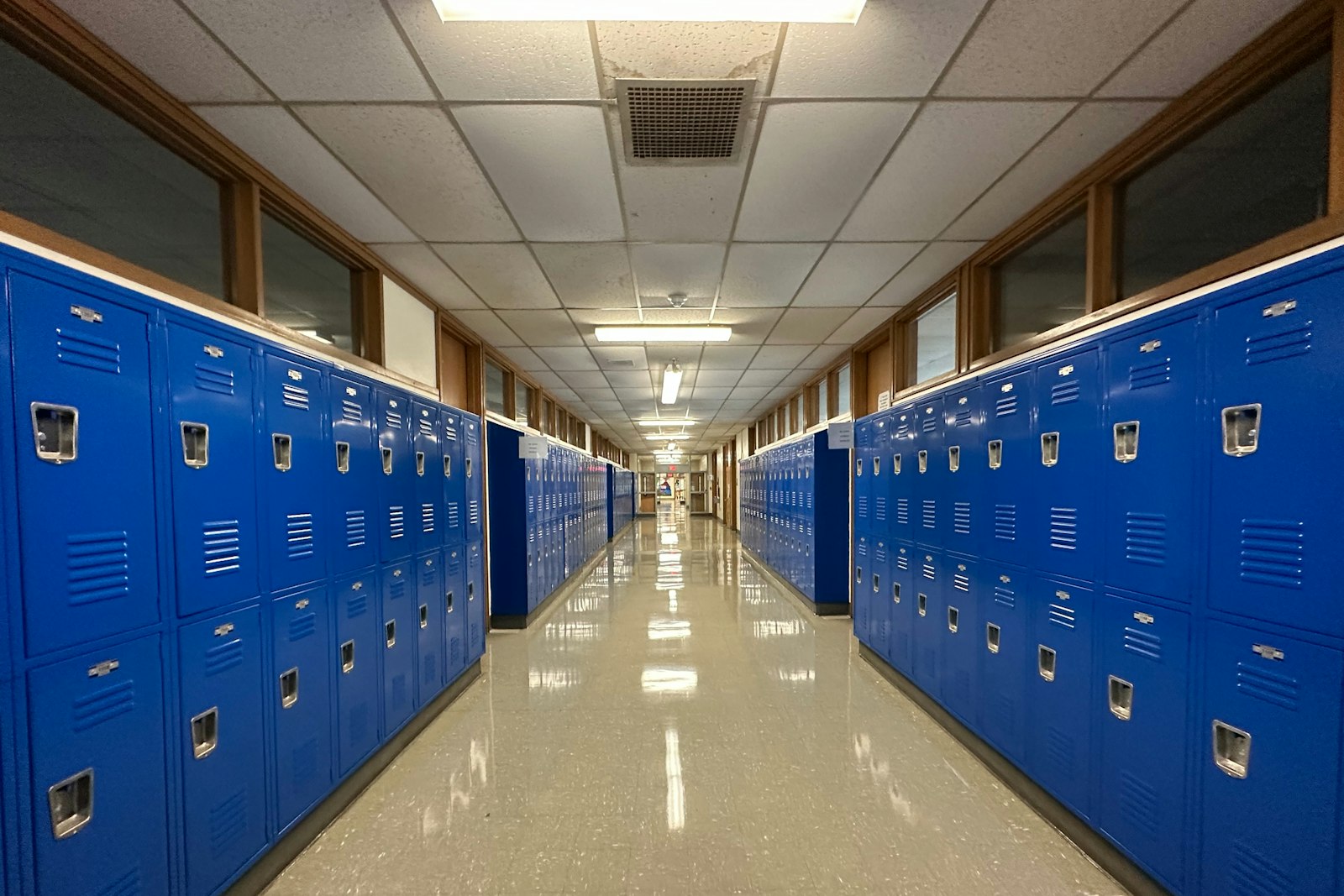
CO2 read against occupancy, with ventilation that responds and a record that stays.
Target bands that fit how each space is used
- Space type targets
Classrooms, meeting rooms, warehouses and plant floors each get a target band that fits their use.
- Occupied hours only
You can choose to count only occupied hours, so empty buildings stop raising alarms at night.
- Occupancy from two sources
Occupancy comes from sensors or a defined schedule, whichever the site actually has.
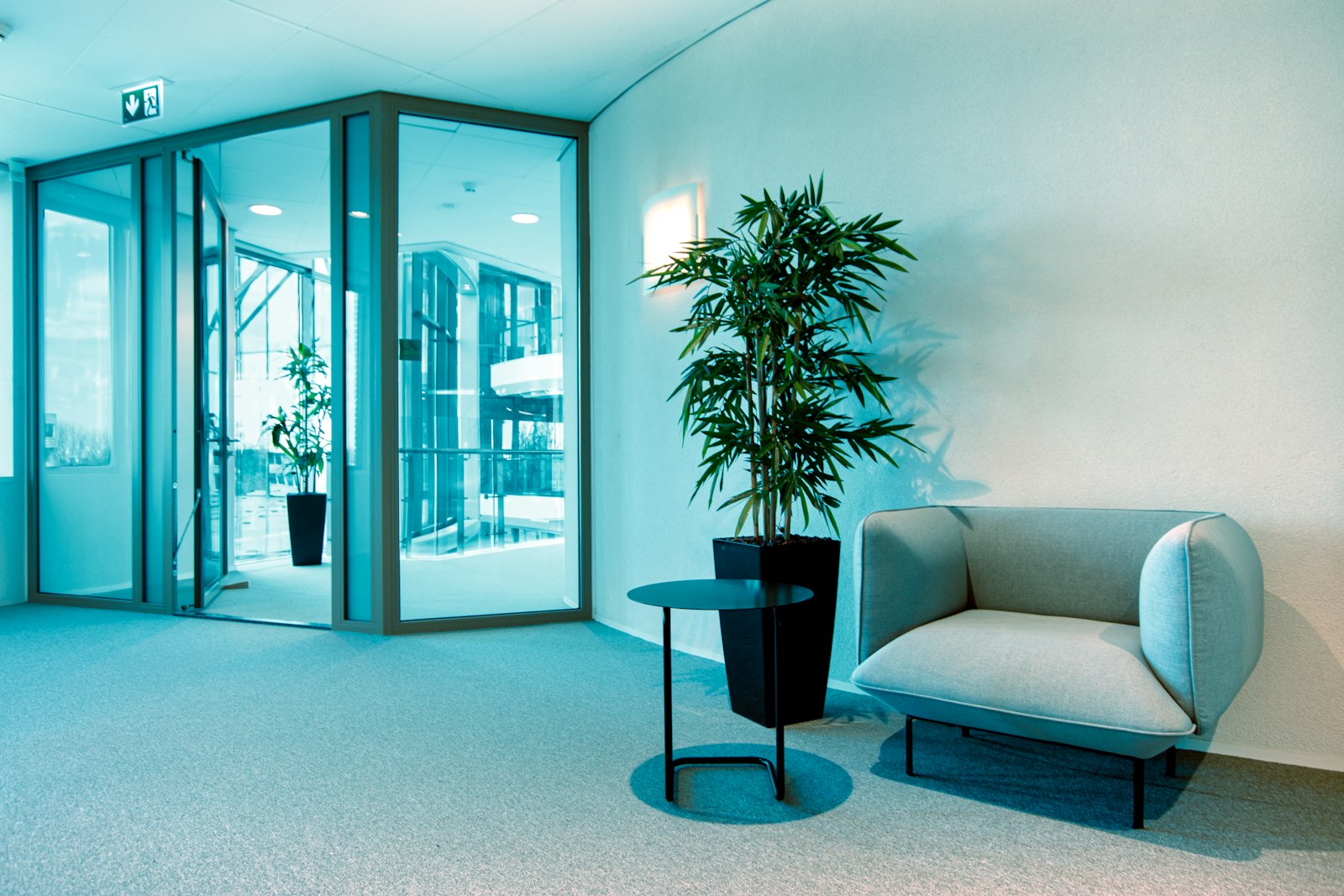
People, vehicles or process, told apart
- Pattern over headcount
CO2 that follows dock activity rather than headcount points to vehicles, not people.
- Exposure ranking
Sites and zones are ranked by peak average CO2 and by exposure, so the worst spaces come first.
- Plain-language cause
The finding names the likely source and the response, with the standard behind the rating.
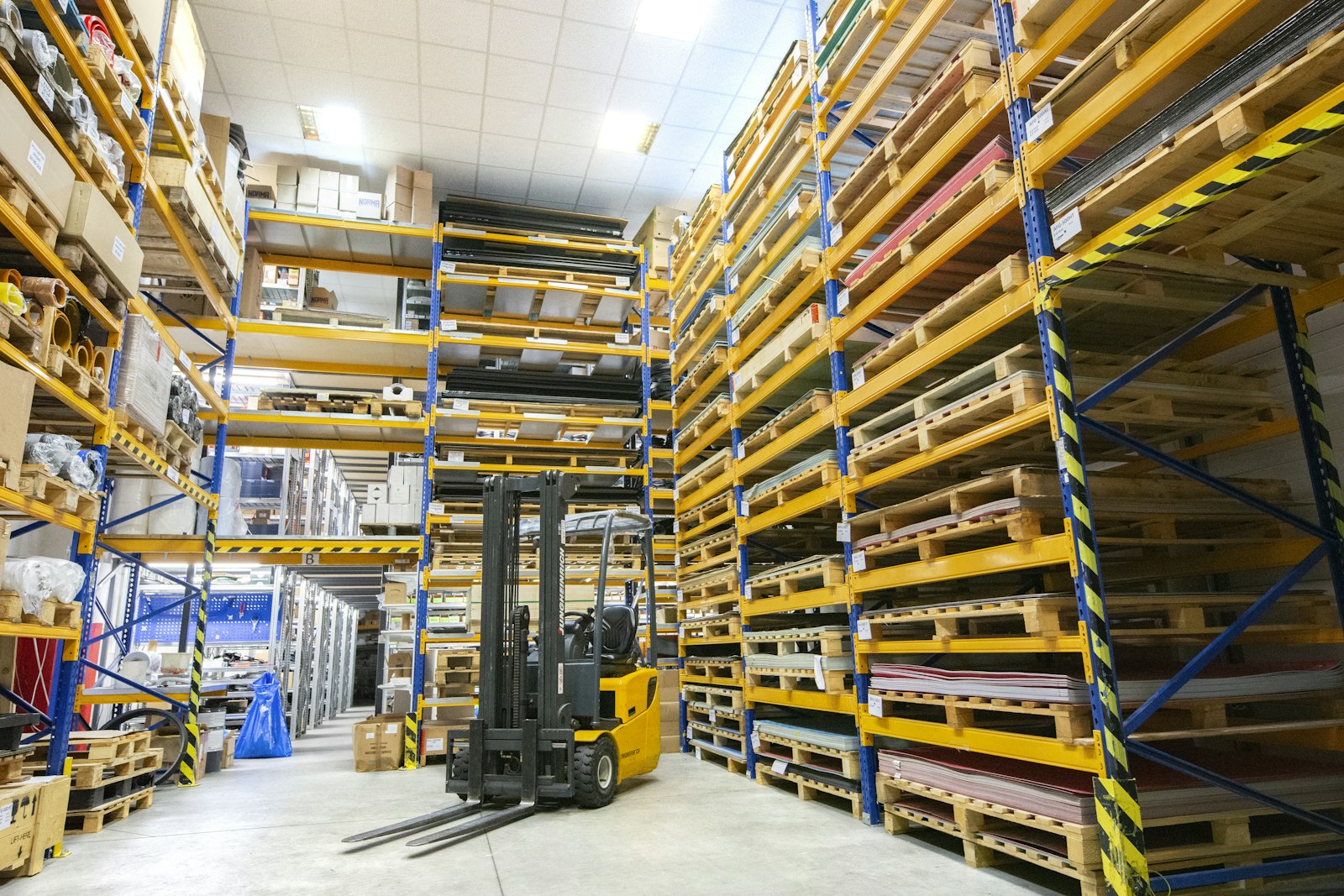
Fresh air on threshold, relaxed when the zone recovers
- Demand controlled ventilation
Where control is enabled, a CO2 rule boosts outdoor air on threshold and relaxes it in range.
- Simple loads on relays
Exhaust fans switch through LoRaWAN relays when CO2 crosses the target, under an owner-approved rule.
- Lockouts and history
Lockouts prevent short cycling, and command history records every fan and damper change.
CO2, before and after Aqueduct
- Ventilation runs at a fixed rate, whoever is in the room.
- Standalone sensors alarm at night in empty spaces.
- Vehicle and process CO2 gets blamed on people.
- Complaints arrive with no history to check them against.
- Fans are switched by hand when someone notices the air.
 The Aqueduct way
- Fresh air follows CO2 and occupancy, zone by zone.
- Occupied-hour targets silence alarms in empty buildings.
- Patterns show whether people, vehicles or process drive CO2.
- Exposure in zone-hours gives every complaint a record.
- Owner-approved rules switch fans and record each command.
What CO2 looks like without Aqueduct
CO2 builds quietly in full rooms and nobody notices until people feel it.
Fixed ventilation rates
Outdoor air runs on a schedule, so full rooms are under-ventilated and empty ones waste energy.
Alarms in empty spaces
A standalone sensor alerts at night when nobody is there, and gets ignored by day.
Hidden sources
In warehouses and plants, CO2 can come from vehicles or processes, not people. Without context, the cause is missed.
No record of exposure
When an occupant complains, there is no history of how long levels stayed high.
How CO2 monitoring works
Powered by aQ AirSafe, with Smart Controls where ventilation control is enabled.
Set zone targets
Each zone gets a target band by space type. You can choose to count only occupied hours.
Read CO2 with occupancy
CO2 per zone is overlaid with occupancy from sensors or schedules, so events that affect people stand out.
Track exposure
Time above target is counted in zone-hours, and sites are ranked by peak average CO2 and by exposure.
Recommend the response
The finding names the cause and the action: increase ventilation, raise outdoor-air supply, or check the AHU economizer, weighed against outdoor conditions.
Ventilate and confirm
Where enabled, a CO2 ventilation rule boosts fresh air on threshold and relaxes it in range. The zone is verified back in range.
One CO2 event, start to finish
An illustrative incident at a warehouse.
CO2 sensors report from zones across the warehouse floor.
CO2 near the loading area rises during shifts and stays above target.
The pattern follows dock activity, not headcount. Aqueduct points to vehicles idling near the dock as the likely source.
Exhaust fans on LoRaWAN relays are set to switch on when CO2 crosses the target, under an owner-approved rule. Site management is asked to address idling.
CO2 in the loading zone stays within target through the next shifts, and the fan commands show in command history.
Problem, solution, impact
Full rooms under-ventilated.
Zone CO2 targets with ventilation response.
Rooms kept within target while occupied.
Empty rooms ventilated at full rate.
Fresh air that follows occupancy and CO2.
Outdoor-air energy spent where people are.
Complaints with no history.
Exposure tracked in zone-hours, per zone.
Clear evidence of what happened and what was done.
What you get
Zone targets
Target bands per space type, occupied hours only if you choose.
Occupancy overlay
CO2 read against whether people are there.
Exposure ranking
Sites and zones ranked by peak average CO2 and zone-hours.
Ventilation rules
Boost on threshold, relax in range, with lockouts and command history.
Related standards
Check the current version and what applies to your space type.
Where teams put it to work
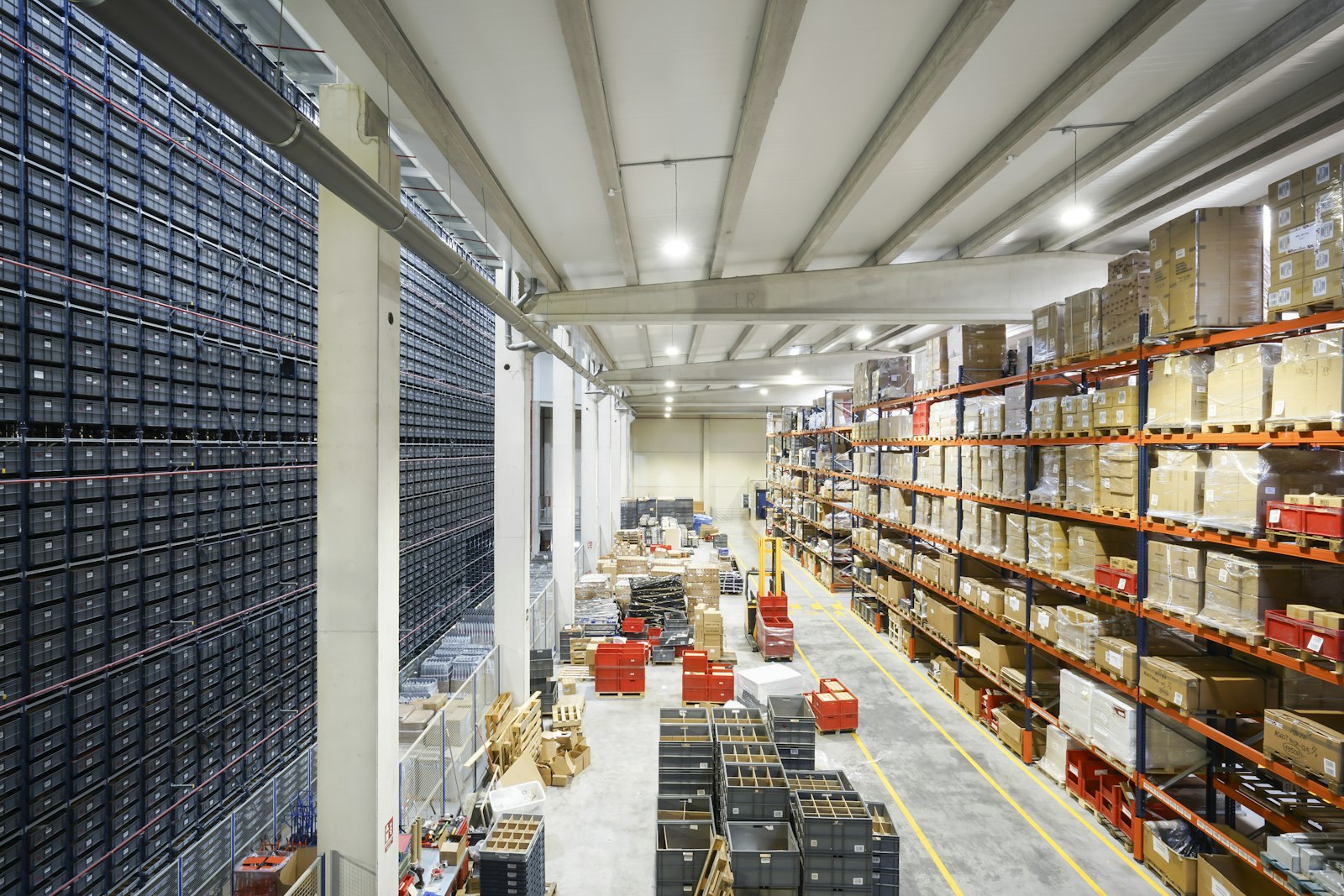
Loading docks with idling trucks
CO2 that rises with dock activity is traced to vehicles, and exhaust fans on relays switch on when the zone crosses its target.
Learn more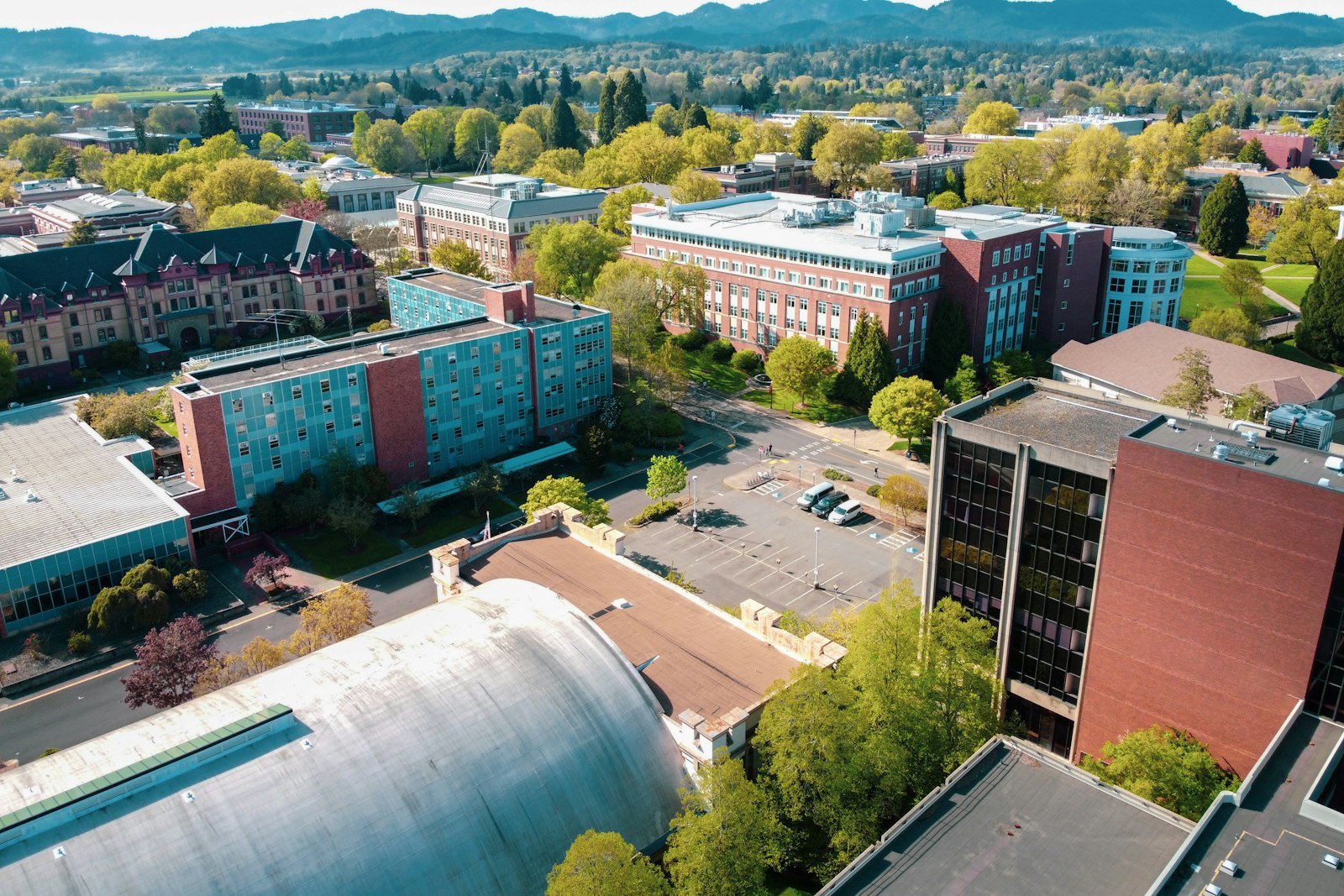
Lecture halls ventilated by attendance
Large lecture halls get more outdoor air when they fill and less when they empty, with exposure tracked per hall.
Learn more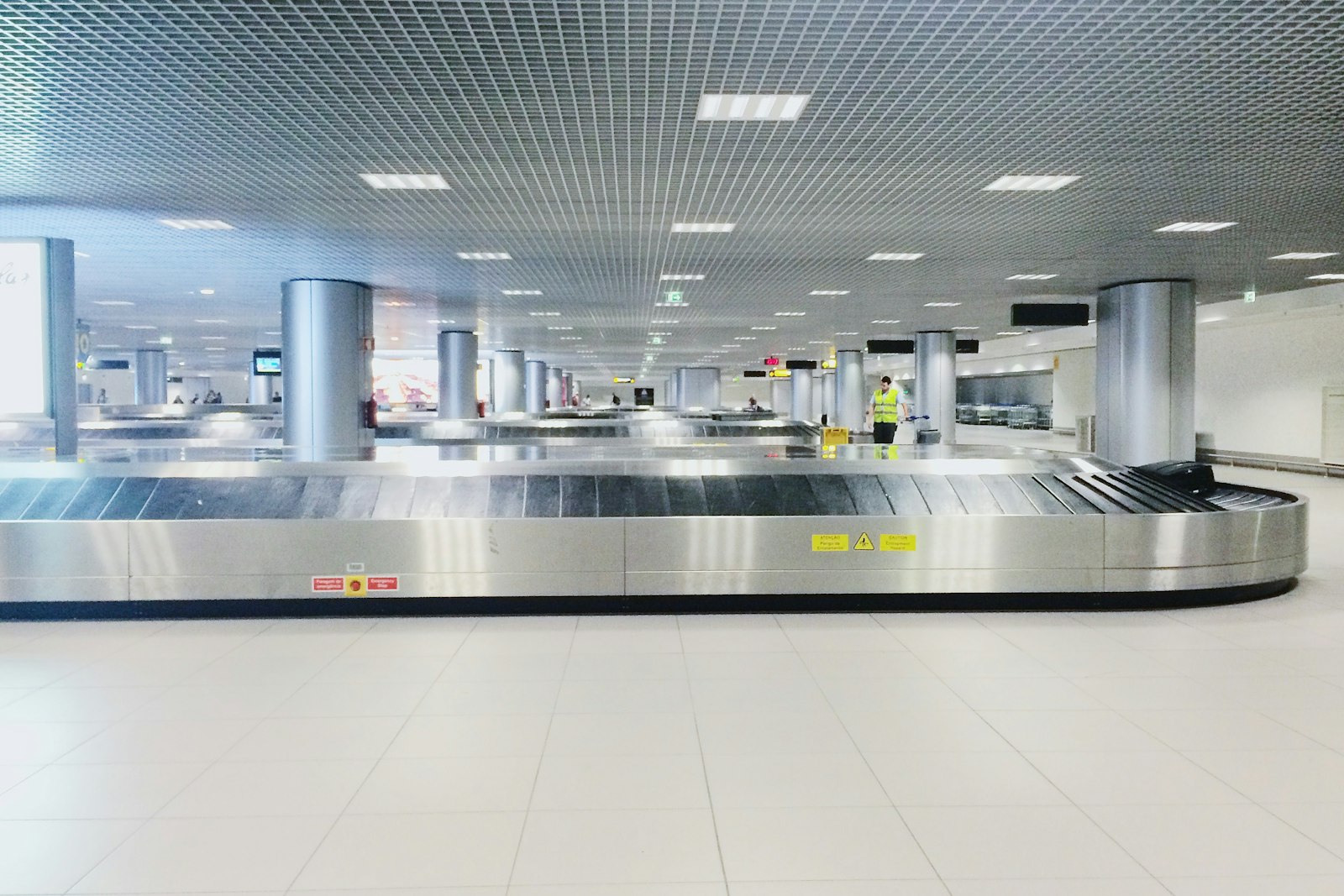
Gate areas at peak boarding
Gate lounges fill and empty through the day. CO2 read against occupancy shows which gates need more air at boarding time.
Learn moreRelated
Common questions
CO2 rises as people breathe in a space without enough fresh air, so it is a practical signal of ventilation. Some spaces also have non-human sources, such as vehicles or processes.
Yes. Exposure can be counted for occupied hours only, using occupancy from sensors or a schedule.
Usually, but it costs energy. Aqueduct weighs outdoor conditions and recommends the lowest-cost response, and finds non-human sources where the pattern points to them.
Only where control is enabled and the owner has approved the rules. Every command is logged.
See Aqueduct on your own facility.
Bring a site, a utility bill or a question. We will show you where the loss is.