Energy management software for facility managers that finds the fix and proves it
Energy management software for facility managers shows where a building wastes energy, water and money, and what to do about it. Aqueduct goes further: it locates leaks and faults, explains the cause in plain language, routes the ticket into your CMMS, adjusts equipment where control is enabled with owner approval, and confirms at the meter that the fix held.
Know what to fix first, fix it once, and let the meter prove it.
Problems surface from live data, not from the bill
- Live water balance
Unaccounted flow tracked every 60 seconds, so overnight loss shows up the same night.
- Weather-normalized baseline
Energy use compared with what the weather says it should be, so waste stands out.
- Air with occupancy
A CO2 rise in an empty room is ignored, the same rise in a full room is flagged.
Tickets that tell the technician where to go and why
- Plain-language cause
Each finding states what failed, where it sits and the recommended fix in operator language.
- Routed to your CMMS
The ticket lands in the system your team already uses, with the trace and location attached.
- Control where enabled
Schedules and setpoints adjust with owner approval, logged in a full command history.
Closed means the meter agrees the fix worked
- Verified results
After the repair, flow or load must return to baseline before the item counts as fixed.
- New baseline
Every verified result becomes the next baseline, so performance does not quietly slip back.
- Reports for finance
Verified savings stated in money from your own utility rates, ready for the monthly review.
Facilities management, before and after Aqueduct
- The utility bill is the leak alarm, weeks after the loss.
- Each system has a screen, none says what to fix first.
- Technicians walk floors to find the fault.
- Work orders close without anyone checking the result.
- Savings are claimed in a meeting and never measured.
 The Aqueduct way
- The live water balance is the leak alarm, every 60 seconds.
- One platform ranks findings by cost and urgency.
- The fault arrives located, explained and ticketed.
- The meter confirms the fix before the item closes.
- Savings are measured against a weather-normalized baseline.
What facilities teams live with today
The building tells you something is wrong through a bill, a complaint or a failure, never early.
The bill is the alarm
Water or energy use doubles overnight and nobody knows until the invoice lands weeks later, when the loss is already paid for.
Too many screens, no answers
The BMS, the water meters and the air sensors each have their own login, and none of them says what to fix first.
Site walks to find faults
A hot zone or a running toilet means a technician walking floors with a flashlight and a guess.
Closed is not fixed
A work order closes in the CMMS, but nobody checks whether the leak stopped or the AHU is back in range.
What facilities managers get from Aqueduct
One platform for water, energy and air that tells your team what to fix and proves it was fixed.
Leaks found from the balance
A live water balance makes unaccounted flow the leak signal, located to the line.
Learn moreFaults diagnosed, not just flagged
AHU, RTU and pump faults explained in plain language with a recommended fix.
Learn moreAir health by zone
CO2, VOC and particulates by zone, overlaid with occupancy so real problems stand out.
Learn moreTickets into your CMMS
Every finding routes into the CMMS you already run, with location and evidence attached.
Learn moreDevice health you can trust
Connection rate and battery voltage per sensor, so you replace the right device, not walk the site.
Learn moreVerified at the meter
After the repair, the meter confirms the result and the reading becomes the new baseline.
Learn moreQuestions facilities leaders ask
“Will this replace my BMS or sit on top of it?”
Either. Aqueduct can replace a BMS, BAS or EMS, work across the ones you keep, or be built into new construction. Many portfolios mix approaches by building.
“Is this one more set of alerts my team has to triage?”
No. Findings arrive with a location, a likely cause, a cost and a recommended fix, and they go straight into your CMMS.
“Do I have to change our work order process?”
No. Work stays in your CMMS. Aqueduct improves the ticket that enters it and confirms the outcome after it closes.
“Can it use the meters and sensors we already have?”
Yes, if they emit telemetry. Aqueduct is device agnostic and reads LoRaWAN, Modbus, BACnet, MQTT, M-Bus and pulse devices.
A facilities team should spend its day fixing things, not finding them.
Talk to our teamHow Aqueduct shows up in a facilities manager's week
An illustrative week at a multi-building campus.
Monday morning
The portfolio view shows which sites ran above baseline over the weekend. One building had night water flow that should have been near zero.
Monday afternoon
The water digital twin narrows the loss to one riser. A ticket with the flow trace goes into the CMMS for the plumbing contractor.
Wednesday
aQ AirSafe flags CO2 sustained in an occupied meeting floor. The recommendation points to the AHU fresh-air damper, and ventilation is adjusted where control is enabled.
Thursday
A sensor's connection rate drops on the health tab. The team replaces one battery instead of walking the floor.
Friday
The riser's unaccounted flow is back at baseline. The leak closes as verified, and the weekly summary goes to finance.
Features and industries facilities teams use most
Start with these, then add the rest on the same data layer.
Where teams put it to work
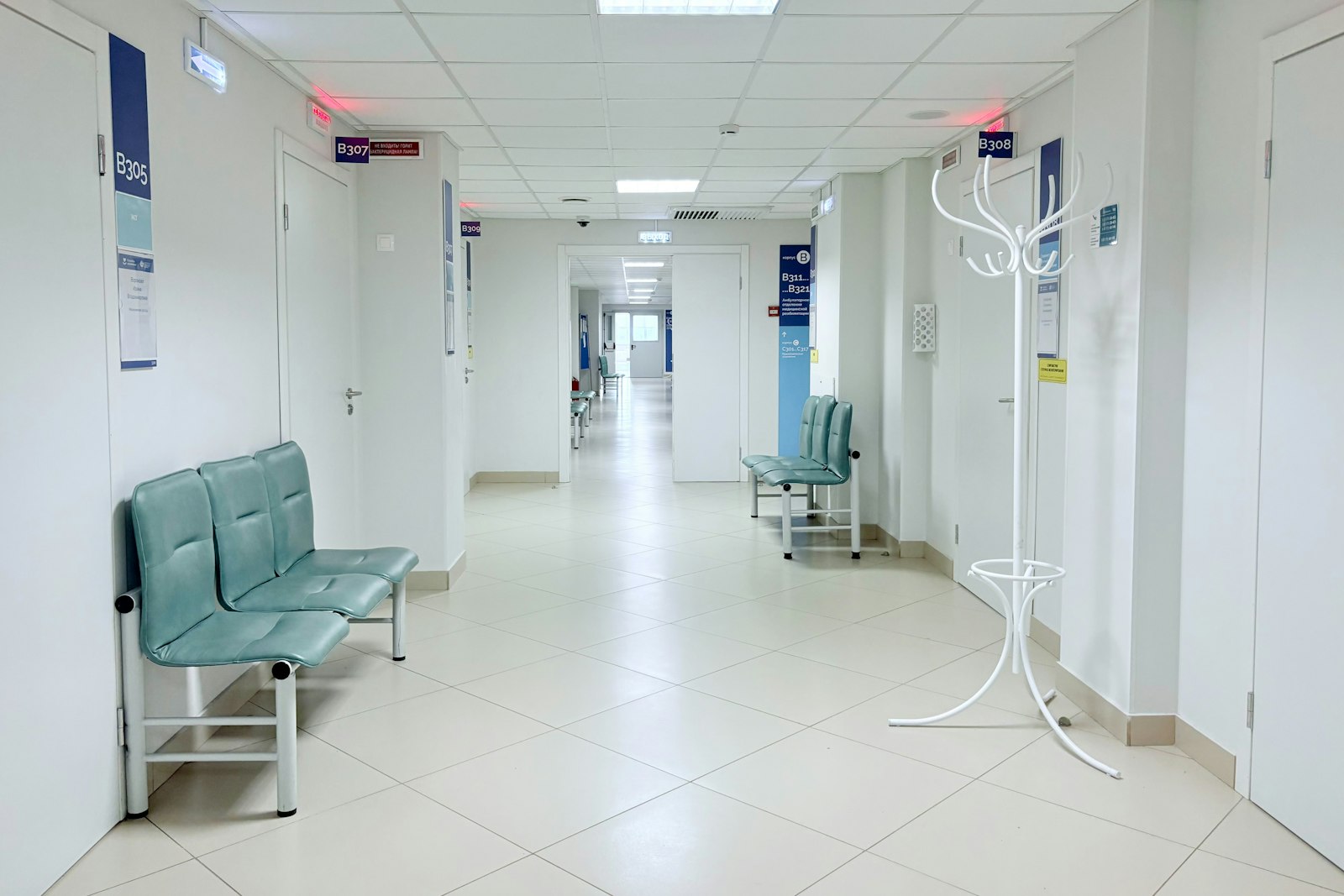
Plant rooms that never surprise the wards
Hospital facilities teams track AHUs, chillers and water outlets on one platform. A hospital chain with 22 hospitals and 9 clinics is a client.
Learn more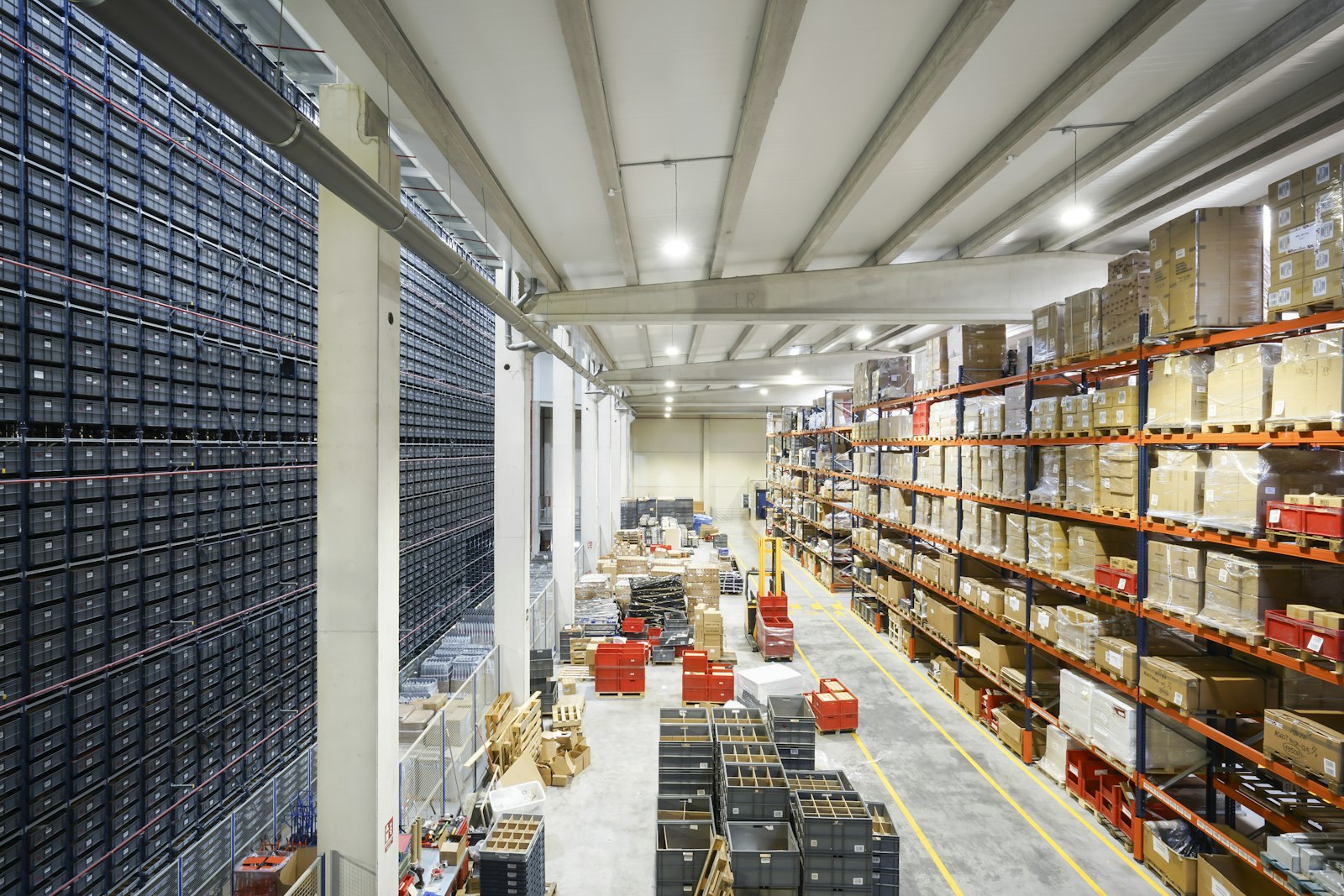
Many client sites, one way of working
Facility services firms run every client site through one portfolio view and route work into each client's CMMS with evidence attached.
Learn more
Running toilets found without a site walk
Sound, odor, occupancy and sink meters combine to flag running fixtures and cleaning needs, without recording any audio.
Learn moreWhere the time goes for a facilities team, and where it comes back
Most facilities hours go to finding problems, not fixing them. Here are the jobs that change once the building reports its own condition.
From the bill to the riser
A leak used to mean a high bill and a walk through every plant room. With a live water balance, unaccounted flow rises on one branch and the crew starts there.
- Night flow compared with an hourly expected baseline
- Loss priced per month from your own water rates
- Closure only when flow returns to baseline
- Measured
- main supply and sub-meters every 60 seconds
- Signal
- unaccounted loss above baseline
- Aqueduct
- names the branch and opens the ticket
From complaint to component
A hot zone used to start with a technician and a guess. The RTU and AHU twins show which component is not following its command, so the ticket names the part.
- Setpoint attainment per unit
- Command against feedback for valves and dampers
- Comfort compliance per zone
- Measured
- unit states and zone temperatures
- Signal
- attainment below target
- Aqueduct
- diagnosis and recommended fix in the CMMS
From spot check to zone record
CO2 and particulates matter when people are present. aQ AirSafe overlays occupancy, so the team chases the full meeting floor, not the empty one.
- CO2, PM2.5, VOC and humidity by zone
- Exposure in zone-hours
- Ventilation changed where control is enabled, with owner approval
- Measured
- air quality and occupancy
- Signal
- sustained breach in an occupied zone
- Aqueduct
- recommendation with the standard behind it
From rounds to real need
Running fixtures and odor problems are found by sensors, not by complaints. Sound is measured as levels only and never recorded.
- Flow and sound in an empty room flag a running fixture
- Odor and use counts trigger cleaning
- VOC spike confirms the clean happened
- Measured
- flow, sound level, odor, PIR
- Signal
- flow with no occupancy
- Aqueduct
- plumbing or cleaning ticket
From walking the site to replacing one battery
Dead sensors used to be found when data was needed. Device health shows connection rate and voltage per device, so the team replaces the right one.
- Connection rate per device
- Battery or capacitor voltage
- Coverage shown before reports go out
- Measured
- device telemetry health
- Signal
- falling connection rate
- Aqueduct
- names the device and location
From spreadsheets to a verified weekly summary
Finance and leadership want to know what was fixed and what it saved. Verified results are already priced, so the summary writes itself from data.
- Verified savings in money
- Open and closed items by site
- New baseline after each confirmed fix
- Measured
- performance against baseline
- Signal
- verified closure
- Aqueduct
- weekly summary for finance
The numbers a facilities manager runs the building on
Each metric is live, each drills down to a device, and each has a clear owner on your team.
| Metric | What it tells you | Typical action |
|---|---|---|
| Unaccounted water loss | Flow nobody can attribute, against its baseline | Send a plumber to the named branch |
| Night flow by zone | What a zone uses when it should be near zero | Check fill valves, irrigation and fixtures |
| Energy against baseline | Use beyond what weather explains | Review schedules and overrides |
| Setpoint attainment | Whether units hold what they are asked | Inspect the named damper, valve or fan |
| CO2 exposure, zone-hours | Time occupied zones spent above target | Adjust ventilation or the AHU economizer |
| Open findings by cost | Which items are worth the most | Assign the first crew to the top item |
| Device health | Connection rate and voltage per sensor | Replace the failing device before data is lost |
What changes in your first 60 days
Week one: baselines from bills
Utility bills give each building a weather-normalized baseline and a cost per unit before any new device is installed.
Weeks two to three: connect and fill gaps
Existing meters and BMS points connect. Partners install sub-meters and sensors only where the building is blind.
Weeks four to six: first findings
Leaks, schedule waste and faults arrive ranked by cost, routed into the CMMS your team already uses.
Weeks seven to eight: first verified results
Fixed items close against the meter, and the weekly summary to finance carries verified savings.
sites in 21 countries run on Aqueduct.
and 9 clinics in one of India’s top hospital chains.
US airport running water intelligence on Aqueduct.
of commercial real estate under Aqueduct.
FMCG manufacturing campus.
operations run on Aqueduct.




Related
Common questions
The best tools do more than chart consumption: they find the cause, route the fix and confirm the result. Aqueduct covers water, energy and air on one platform, routes tickets into your CMMS and verifies every fix at the meter, which is what facility managers are measured on.
Start by metering the main and the biggest loads, set a weather-normalized baseline, then fix what runs above it, usually HVAC schedules, faults and peak demand. Aqueduct does this continuously and verifies each saving at the meter.
Yes. Aqueduct closes a live water balance across the main and sub-meters, so unaccounted flow shows up as a leak signal and is narrowed to the floor, riser or line. Each fix is verified at the meter against a weather-normalized baseline.
Yes. Aqueduct can read your BMS over BACnet or Modbus and work across it, replace it, or be built into new construction. The choice is yours building by building.
No. Aqueduct integrates with your CMMS. It routes tickets with location, evidence and a recommended fix, and confirms at the meter that the work fixed the problem.
Installation runs through partners. Aqueduct is device agnostic, so existing meters and sensors that emit telemetry connect, and new devices are specified only where they are needed.
Where control is enabled with owner approval, yes. Aqueduct controls through LoRaWAN relay switches or field device controllers over Modbus or BACnet, with lockouts to prevent short cycling and a full command history.
Water loss and HVAC schedule waste usually come first, because the signal is clear and the fix is cheap. Night flow and overnight HVAC energy against baseline find both quickly.
Findings carry a cost from your own rates and an urgency, so the list is ordered by money and risk. The team can still reorder by its own judgment in the CMMS.
No. Work stays in your CMMS. The difference is that each ticket arrives with the location, the trace and a likely cause.
Yes. An item closes as verified only when flow, load or airflow returns to its baseline after the repair, which gives the team evidence to accept or reopen the work.
See Aqueduct on your own facility.
Bring a site, a utility bill or a question. We will show you where the loss is.