Agentic AI for facilities management that diagnoses, acts with approval and verifies
Agentic AI for facilities management is software that reads live building data, diagnoses what is wrong, proposes or takes a bounded action and checks the result. In Aqueduct, agents read telemetry and the digital twin, route work into your CMMS, act only where control is enabled with owner approval, verify the outcome at the meter and explain every step in plain language.
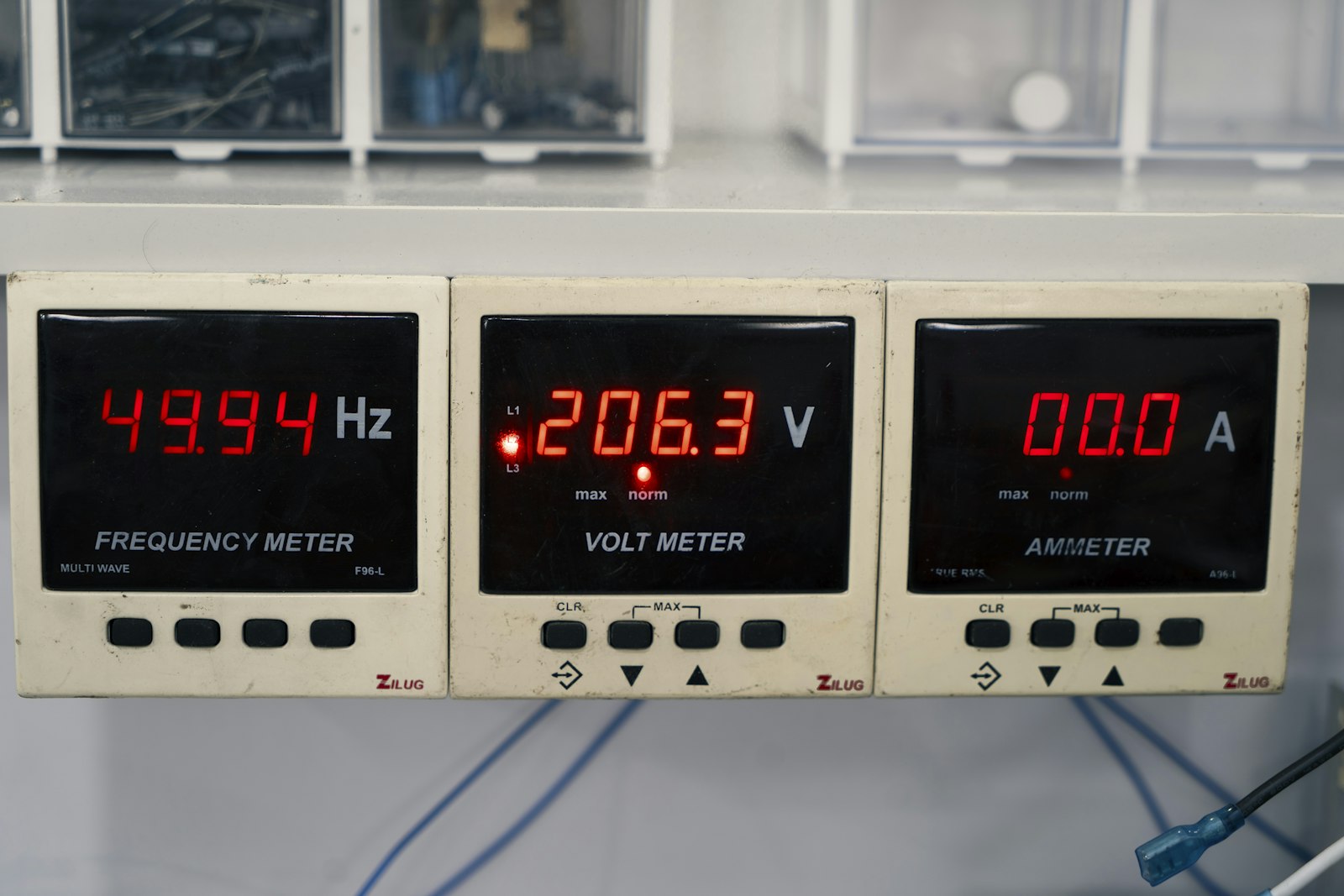
Agents that read the site, act inside limits you set, and prove the result.
Agents that read the twin before they recommend anything
- Three live streams
The Event Engine reads sensor, asset and control streams, so every investigation starts from current readings.
- Command against feedback
Failed starts, uncommanded running, units left in manual and stuck valves surface from commanded versus reported state.
- Grounded knowledge
A knowledge base of equipment and site context keeps each diagnosis tied to your plant, not generic advice.

Changes proposed inside limits and approved by the owner
- Owner approval
Actions run only where control is enabled and the owner has approved that kind of change on that asset.
- Desired versus reported
Shadow decisions compare what a device was told with what it reports before any further command goes out.
- Lockouts and queues
Lockouts stop new commands mid-action, and fast, slow and lifecycle queues keep every command in order.

Every outcome checked at the meter and explained plainly
- Measured result
After the action, use is compared with the weather-normalized baseline and the saving is priced from your rates.
- Plain-language account
The agent states what it saw, what it did, who approved it and what changed, in operator language.
- Replayable record
The command log and archived raw data let anyone replay the decision and check the result later.

Facility AI, before and after Aqueduct agents
- Alerts fire and a person still has to diagnose them.
- Chat tools answer from the internet, not your meters.
- Automation writes setpoints with no approval and no record.
- A work order closes and the saving is simply assumed.
- Nobody can say afterwards why the system did that.
 The Aqueduct way
- Agents diagnose the cause from live telemetry and the twin.
- Answers come from your telemetry, twin and command history.
- Actions need owner approval and stay inside set limits.
- The meter confirms the result against a weather-normalized baseline.
- The command log shows what was done, who approved it, and why.
Why facility AI usually stops at the alert
Most tools either raise an alarm and walk away, or act with nobody watching. Neither earns an owner's trust.
Alerts without a diagnosis
A threshold fires and a person still has to work out which component failed, why, and whether it matters.
Chat without your data
General AI tools answer from the internet, not from your meters, your digital twin or your command history.
Automation without guardrails
Rules that write setpoints with no approval, no lockout and no log are a risk owners will not accept.
Fixes nobody checks
A work order closes and the saving is assumed. Nobody goes back to the meter to see whether it held.
What Aqueduct agents do
Read, diagnose, propose, act or route, verify, explain. Every step is logged.
Read the live site
Agents read sensor, asset and control telemetry on a 60-second refresh, plus the digital twin that shows how equipment connects.
Diagnose the cause
They compare commanded state with reported state, trend use against baseline and correlate water, energy and air to name the likely cause.
Propose a bounded action
Each proposal names the asset, the change, the expected effect and the limits it must stay inside, in plain language.
Act or route
Where control is enabled with owner approval, the change goes to the device. Otherwise a ticket goes to your CMMS with the evidence attached.
Verify and explain
After the change, the agent checks the meter against baseline, records the result and explains what happened and why.
The architecture behind the agents
Agents run on the same aQ Core data layer as every Aqueduct product, in the AWS cloud or on-prem on NVIDIA infrastructure.
| Layer | What it is | What it does for the agent |
|---|---|---|
| Reasoning | A LangGraph agent on Bedrock AgentCore on AWS, with a knowledge base | Plans multi-step investigations and grounds answers in equipment and site knowledge |
| Event Engine | Reads the sensor, asset and control streams together | Raises the events agents investigate, with the readings attached |
| Device shadows | Classic and named shadows holding desired and reported state per field device | Shows whether equipment did what it was told |
| Shadow decisions | Bedrock-assisted reasoning over the gap between desired and reported state | Separates a slow response from a fault before another command is sent |
| Command queues | Fast, slow and lifecycle queues behind the Control API | Keeps urgent commands from waiting behind routine ones |
| Command log | Every command, its approval and what the device reported back | The audit trail for M&V, procurement and safety reviews |
| Notifications | Email and SMS to the responsible role | Puts approvals and findings in front of the right person |
An agent earns trust by showing its evidence, its approval and its result.
Talk to our teamGuardrails built into every action
Agents act inside limits the owner sets, and everything they do can be replayed.
Human in the loop
Owners decide which assets agents may act on, and which actions need a person to approve them first.
Lockouts
Lockout warnings block new commands while an earlier command is still being acted on, preventing short cycling.
Bounded actions
Actions stay inside configured setpoint ranges, schedules and comfort limits. Anything outside goes to a person.
Read-only where required
On read-only sites the data path is outbound only. Agents recommend and route work, and write nothing.
Permissions respected
Every API call is checked, and answers use only the data the signed-in user is allowed to see.
Full audit trail
Commands, approvals and results land in the command log, and raw sensor data is archived for replay.
One agent investigation, start to finish
An illustrative refrigeration case at a food plant.
Compressor power, discharge pressure, condenser water flow and cooling output report into aQ Core.
Electricity use for one refrigeration group rises while cooling output stays similar under comparable conditions.
The agent reviews power and pressure trends, finds signs of poor heat removal and recommends a condenser water flow and cooling tower check.
A work order goes to the CMMS. The engineer confirms the cause and approves the flow correction or cleaning.
Total refrigeration energy, including any added pumping, is compared before and after. The result becomes the new baseline.
Questions agents answer in plain language
“Where did water keep flowing overnight?”
Branch flow, event duration and volume for the period, with the line where the balance stopped closing.
“Which loads explain yesterday's electricity increase?”
Feeder and meter readings compared with an earlier period, with the loads that moved named.
“Which refrigeration group used more energy per unit of cooling?”
Matched cooling duty and electrical input under comparable operating conditions, with the period shown.
Where teams put it to work
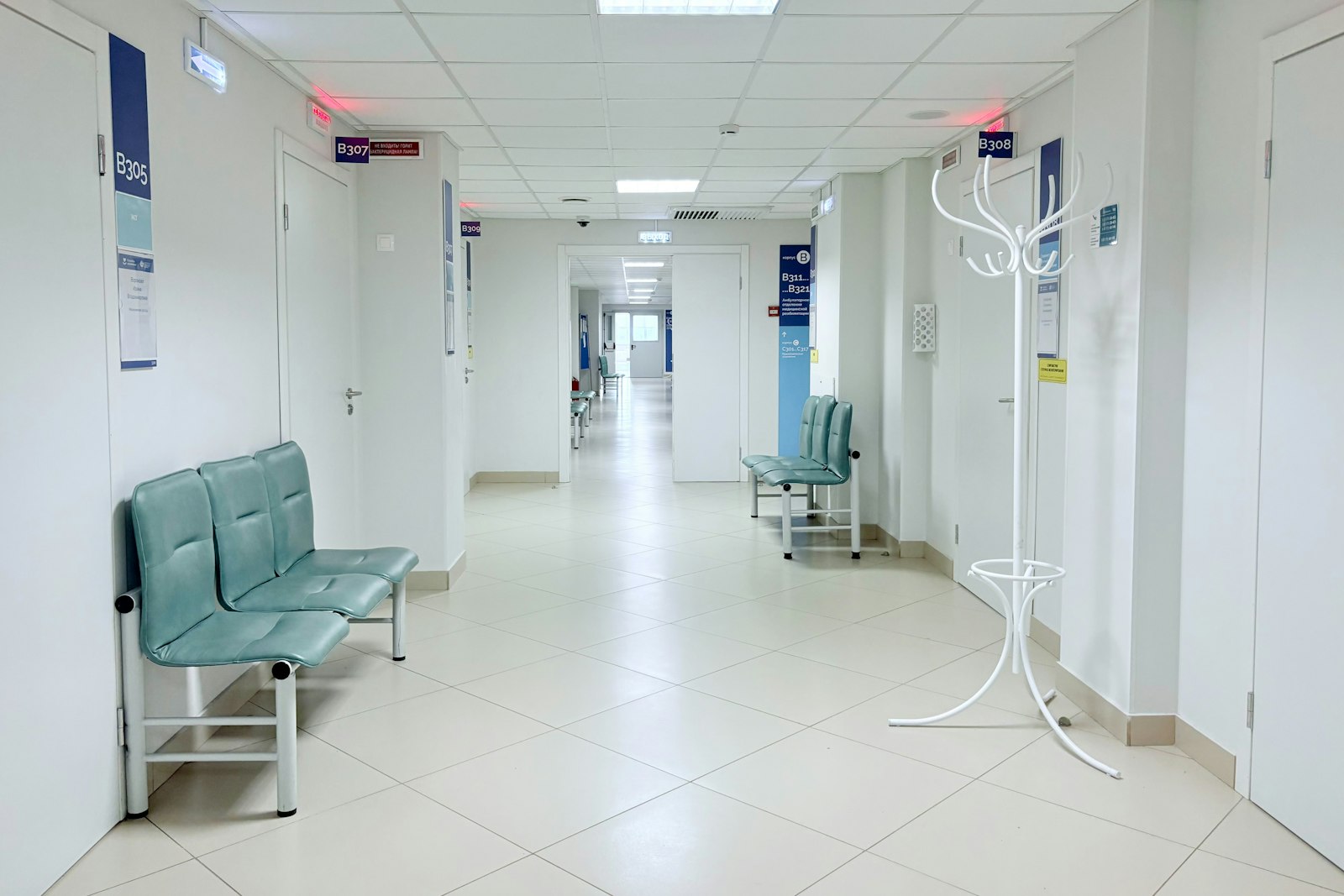
Plant left in manual becomes a standing list
Agents watch every chiller, pump and air handler for manual mode, failed starts and stuck valves, and route each one to the role responsible for that plant.
Learn more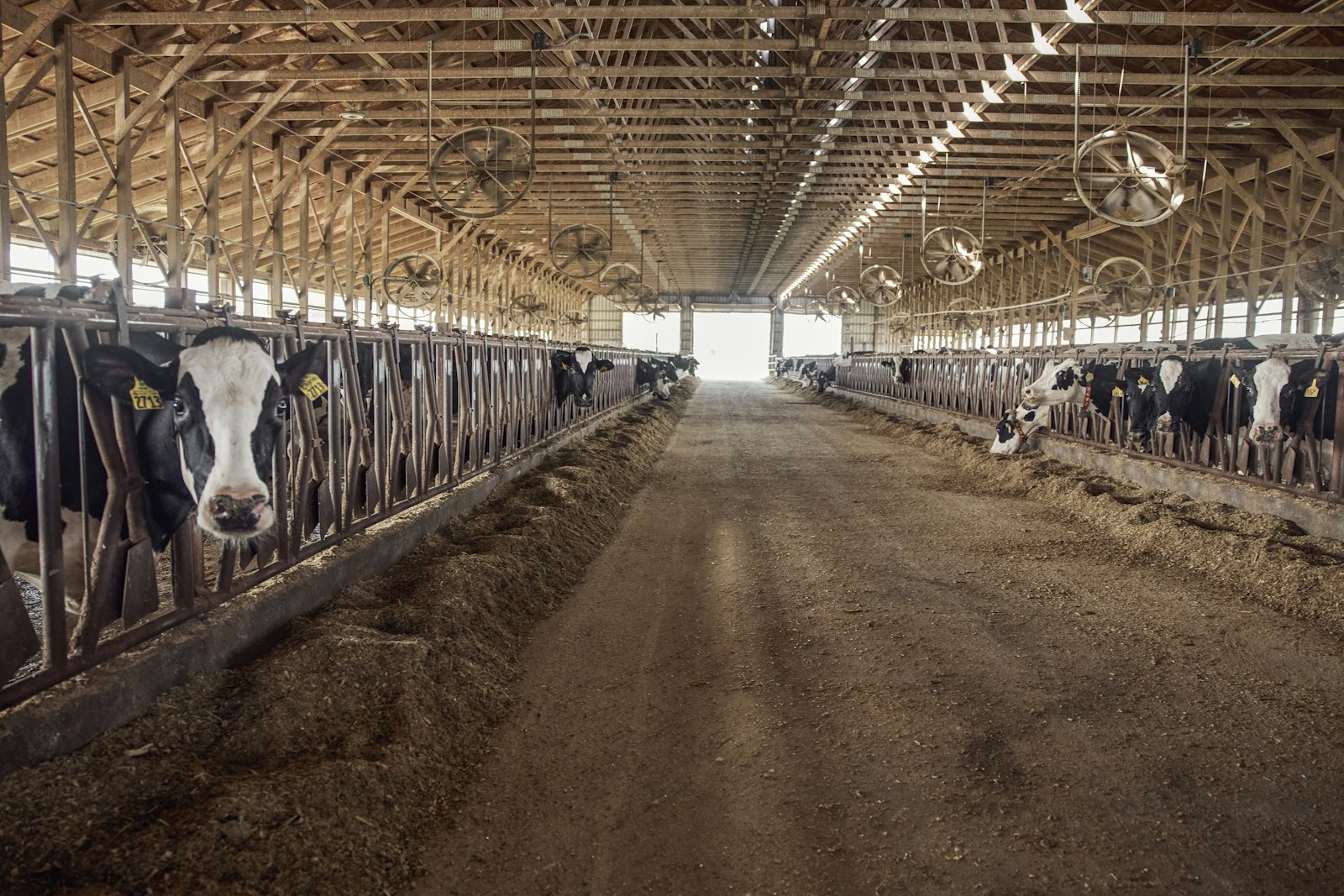
Refrigeration energy drift investigated, not ignored
When compressor power rises and cooling output does not, agents check pressure trends, recommend condenser and tower checks, and measure total energy after the fix.
Learn more
One question answered across every site
Ask which sites ran above baseline last week and why. aQ Assistant answers from your own data and flags where coverage is too thin to trust.
Learn moreRelated
Common questions
Agentic AI in facilities management is software that does more than answer questions: it reads live data, diagnoses problems, proposes or takes bounded actions and checks the outcome. In Aqueduct, agents work from the same telemetry and digital twin as every product, act only where control is enabled with owner approval, and verify results at the meter.
Yes, when actions are bounded and approved. Aqueduct agents act only where control is enabled with owner approval, stay inside configured limits, respect lockouts that prevent short cycling, and log every command with its result. On read-only sites, agents recommend and route work instead.
No. Aqueduct routes work into your existing CMMS with the asset, the evidence and a recommended fix. Your team keeps managing technicians, inventory and work order workflow there, and Aqueduct confirms at the meter whether the fix worked.
A device shadow holds the desired state a controller was given and the state it actually reported back. Aqueduct uses the gap between the two in Bedrock-assisted shadow decisions, so an agent can tell a slow response from a failed actuator before it sends another command.
Aqueduct runs a LangGraph agent on Bedrock AgentCore on AWS with a knowledge base, alongside optimization and predictive maintenance models. Sites that need it can run AI on-prem on NVIDIA infrastructure. Milvian AI is an NVIDIA Inception member and an AWS Advanced Tier Partner.
aQ Assistant is the plain-language interface: ask about a site, zone or device and it answers from your data, including a warning when data coverage is too thin to trust. The agents work behind it, investigating events, proposing actions and verifying outcomes, and they explain themselves through the same interface.
In Aqueduct, every command, approval and device response is written to the command log, and every change to entity data lands in a change log. Raw sensor data is archived for replay, so an auditor can see what the agent saw, what it did and what the meter showed afterwards.
Yes. Aqueduct can read beside an existing BMS, replace it, or be built into a new building. Equipment connects over BACnet or Modbus through a field device network controller, and where Aqueduct only reads, the BMS alarms remain the operational ones.
See Aqueduct on your own facility.
Bring a site, a utility bill or a question. We will show you where the loss is.