A building commissioning app for installation technicians and the digital twin they feed.
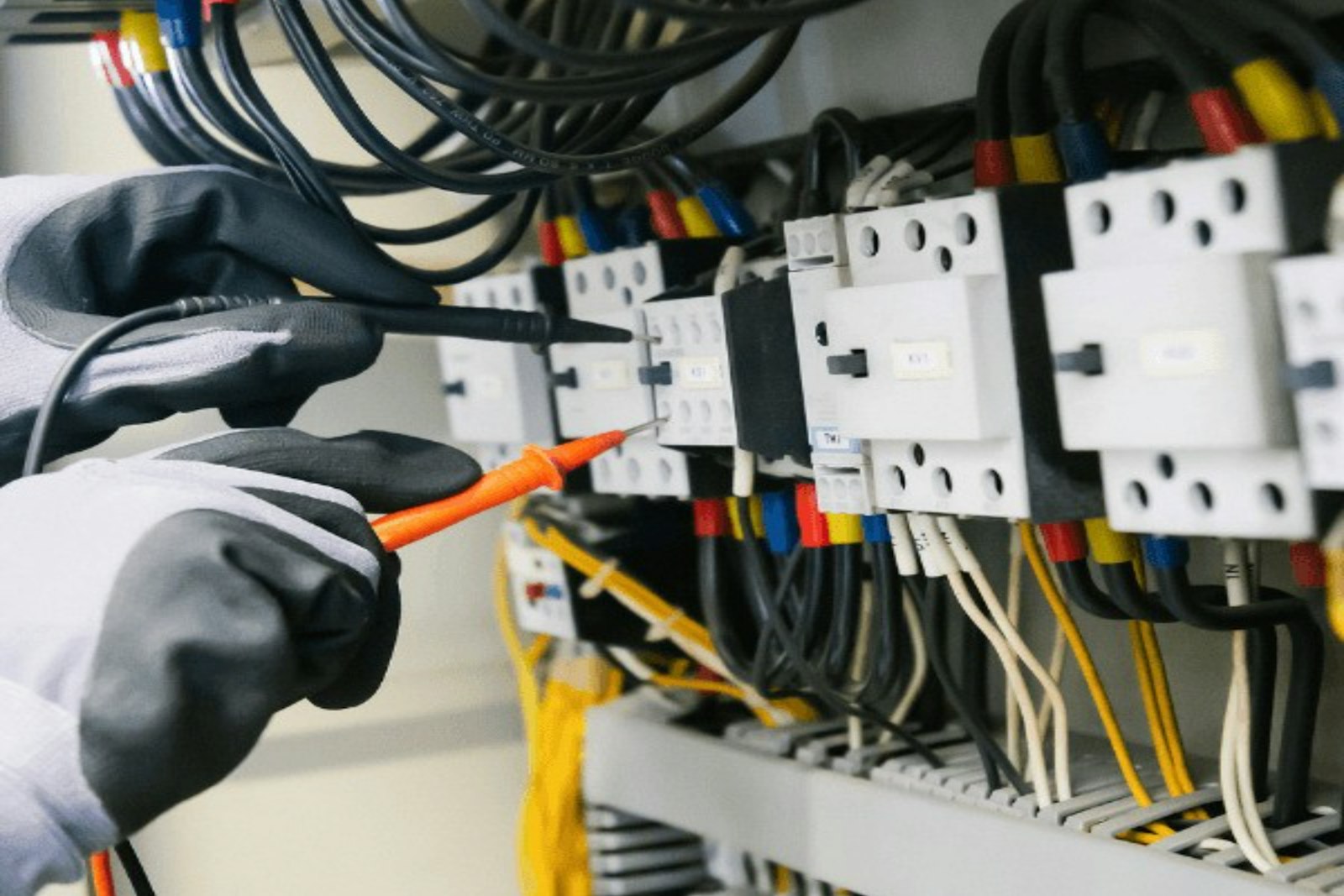
aQ Atria is the field companion installation technicians use to commission each sensor and meter on site: scan the device, install it, validate that it reports, and complete the job. Every device lands in aQ Core tagged to the right site, floor and zone, which gives the digital twin and its 3D views the context they need.
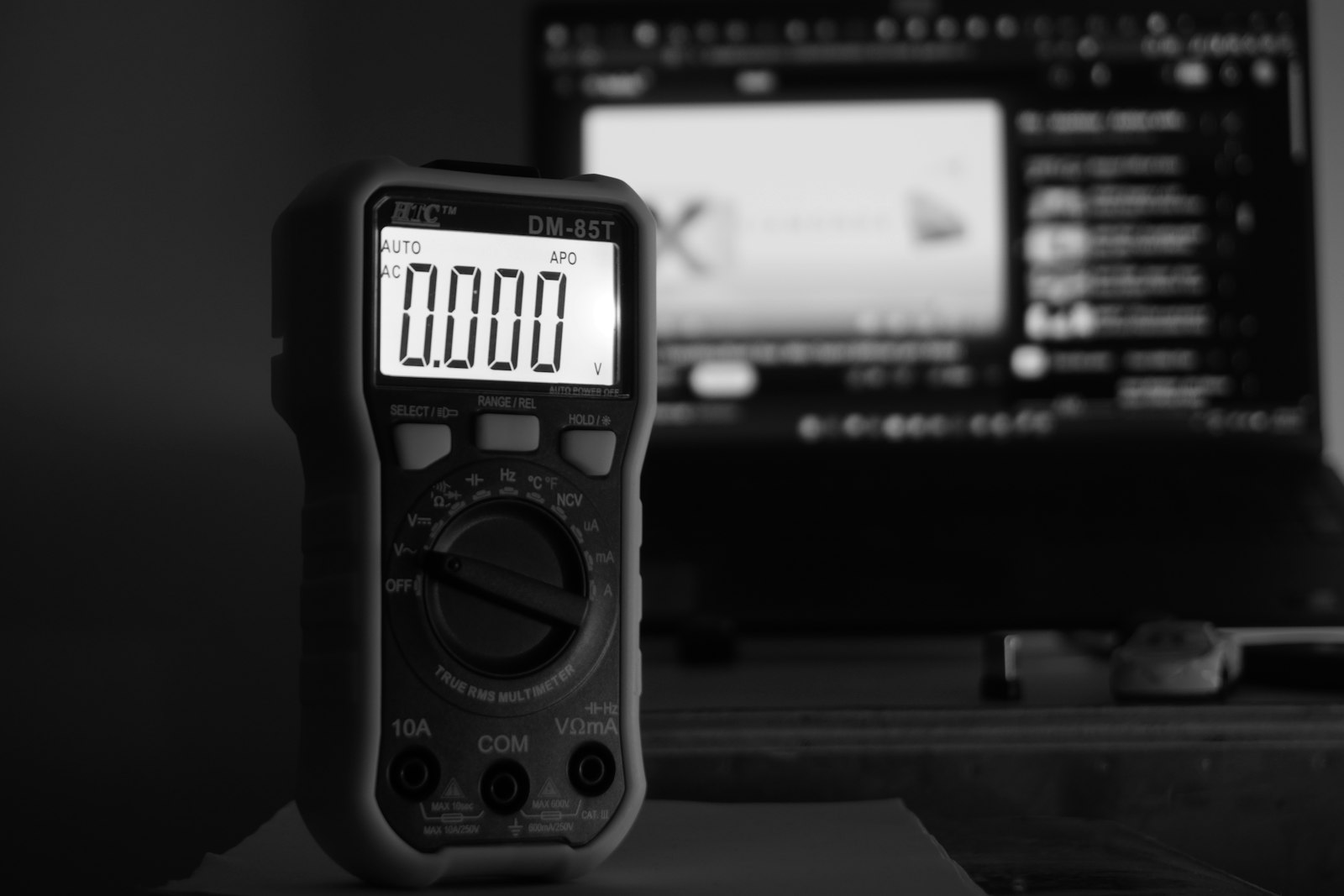
Commission every device right once, and the digital twin starts from facts.
Every device lands on the right floor and zone
- Scan the device
The technician scans each meter or sensor so it is identified before it goes on the wall.
- Placed on the plan
Each device is tagged to its site, floor and zone, so readings arrive with an address.
- One install standard
Every technician follows the same steps, so a site commissioned by one partner reads like any other.

Confirm it reports before the technician leaves the site
- Live check
Atria confirms the device is sending data to aQ Core while the technician is still standing next to it.
- Health from day one
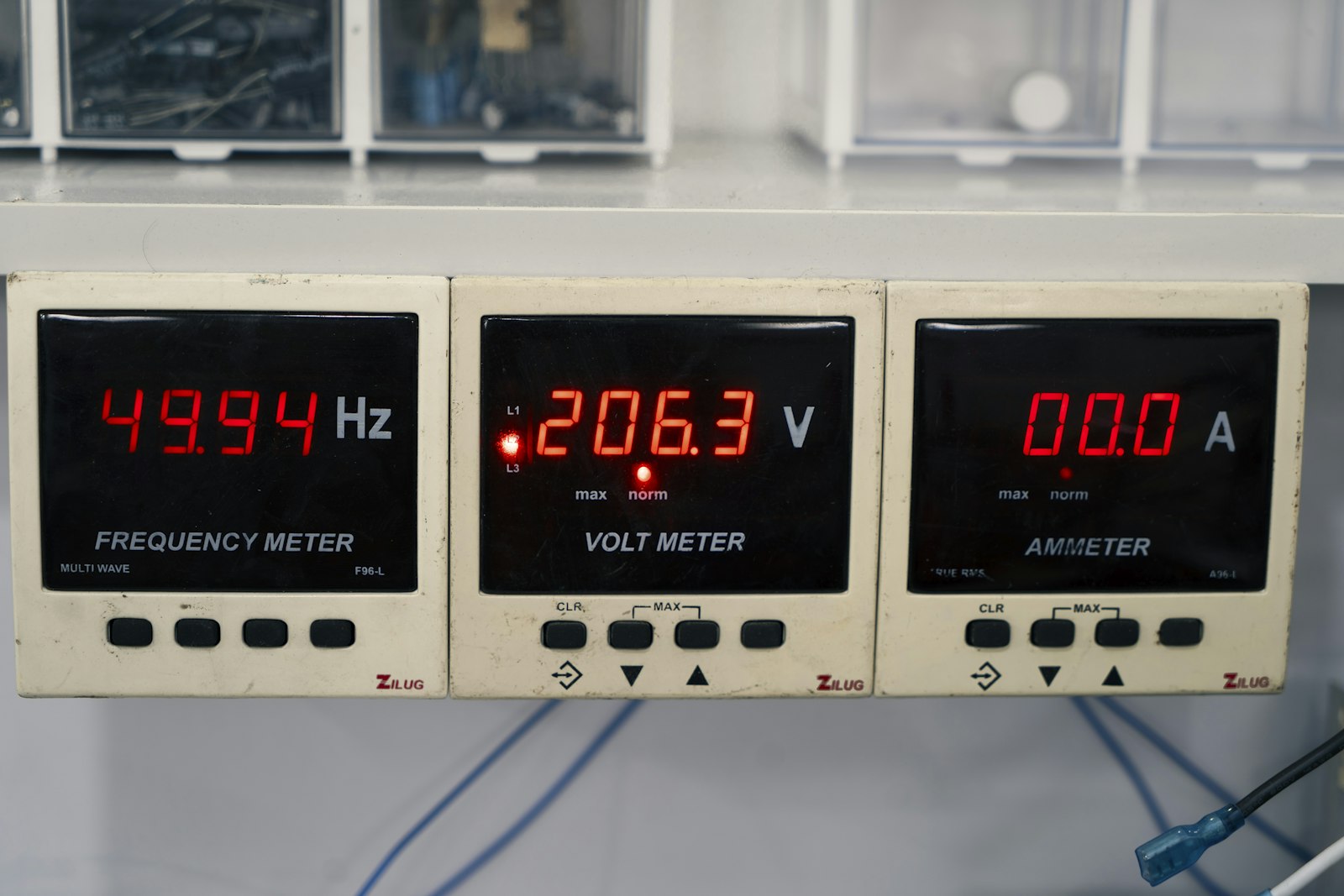
Connection rate and voltage are visible at install, so weak signal is fixed before the job closes.
- Job marked complete
A device counts as done only once it reports, so nothing silently drops out of the twin.
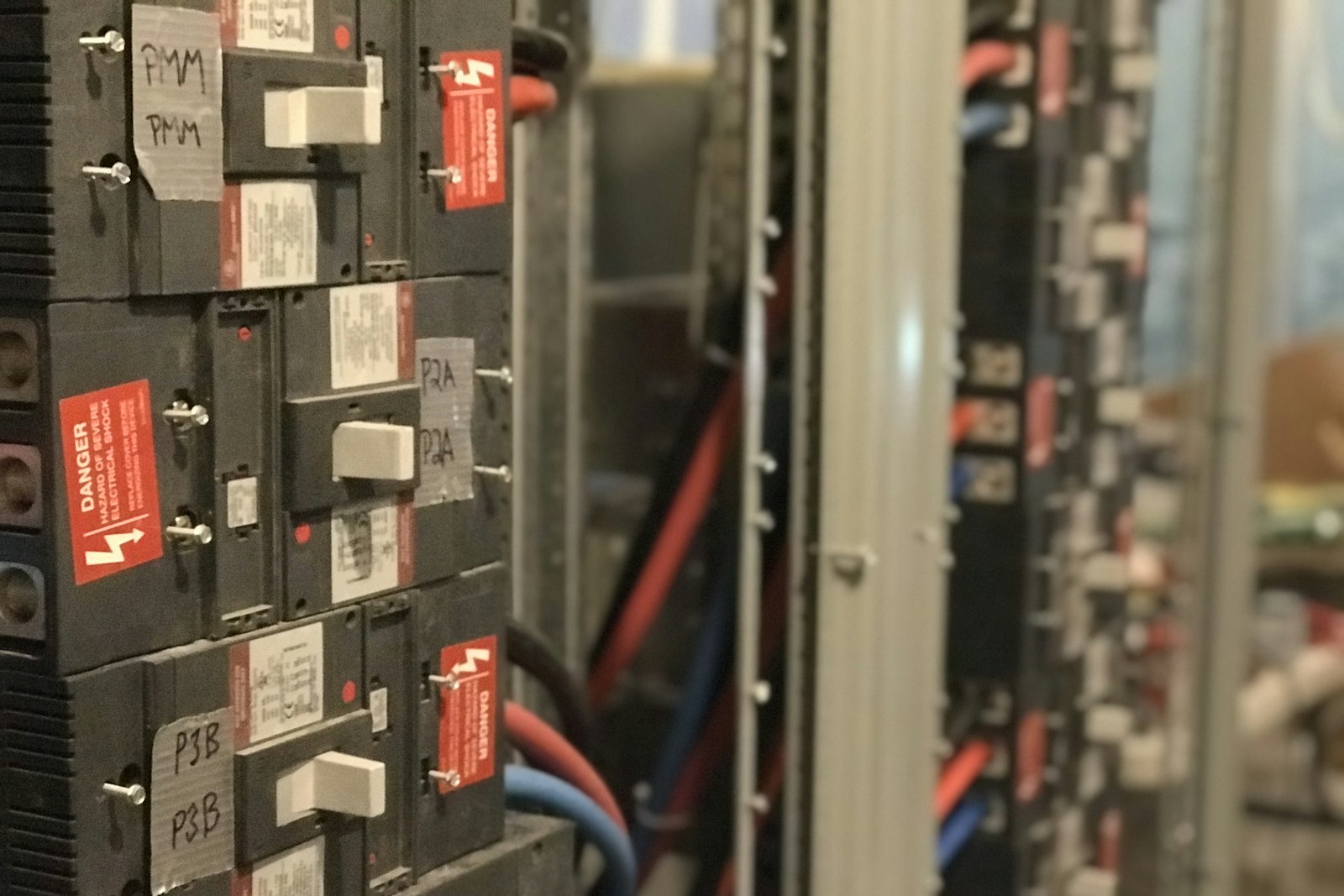
The digital twin and 3D views built on real installs
- Commissioned, not drawn
The twin reflects the devices actually installed and validated, not a design drawing nobody checked.
- Block by block
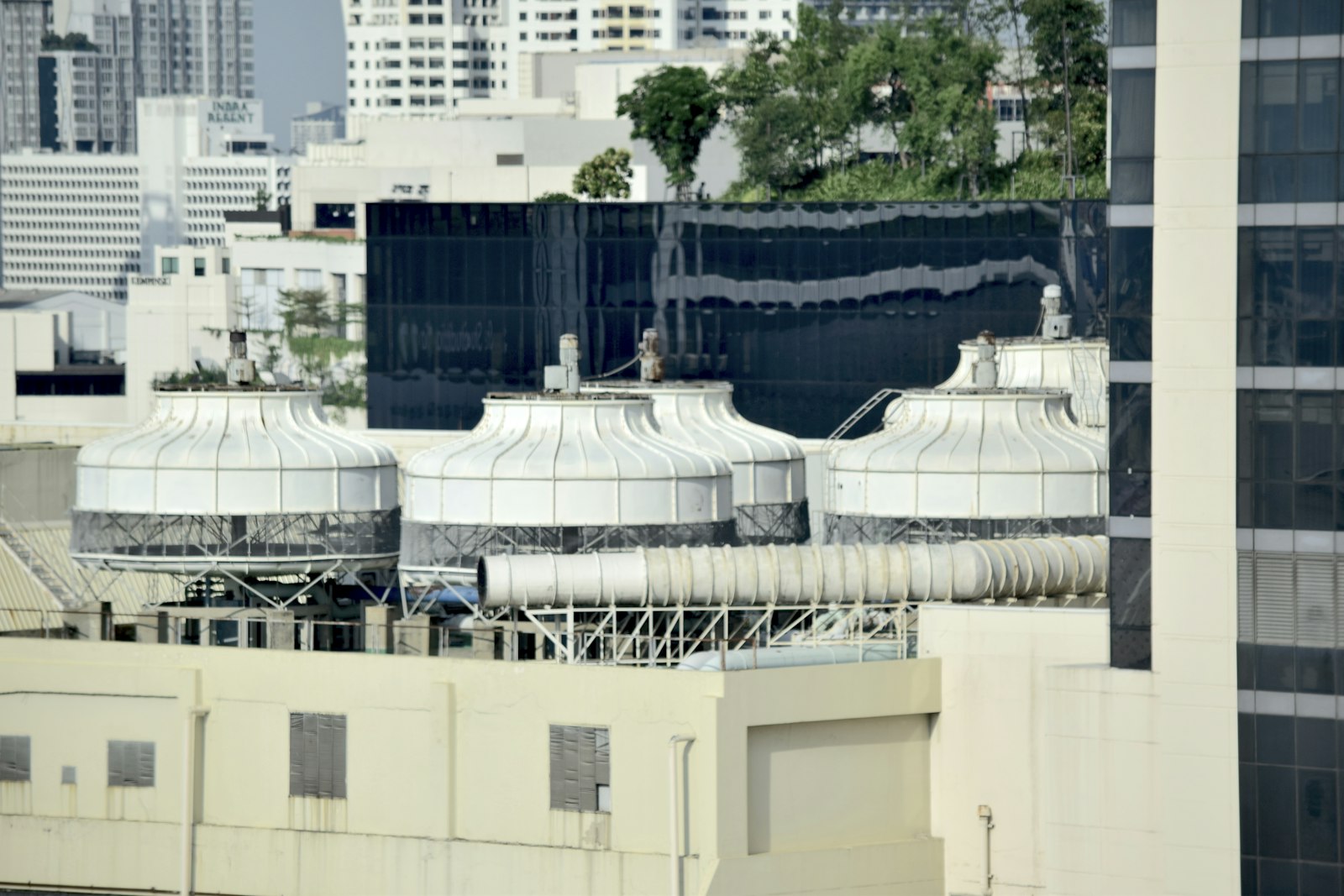
Water, energy and equipment blocks match what the site really has, from tanks to feeders to rooftop units.
- Ready for 3D
Tagged locations give 3D views of the site the context they need to place each reading.
Commissioning by guesswork versus commissioning with Atria
- Devices go up with no record of where they are.
- Nobody checks whether a sensor reports until data goes missing.
- Every installer follows a different method and naming scheme.
- The digital twin is drawn from plans, not from installs.
- Fixing a misplaced device means another truck roll.
 The Aqueduct way
- Every device is scanned and tagged to its site, floor and zone.
- Each device is validated as reporting before the job closes.
- One install standard across every technician and partner.
- The twin is built from devices commissioned and validated on site.
- Errors are caught at install, while the technician is still there.
Scan, install, validate, complete
Atria walks the technician through every install in the same four steps, so the result in Core is the same whoever did the work.
Scan
Identify the device being installed, so it is matched to its record before it goes on the wall or the pipe.
Install
Fit the device at its planned location, guided by the site, floor and zone it belongs to.
Validate
Confirm the device is reporting into aQ Core before the technician leaves the spot.
Complete
Close the install. The device is commissioned and tagged to site, floor and zone in aQ Core.
Where commissioning usually goes wrong
A sensor in the wrong zone gives a confident, wrong answer. Atria is built to stop that at the install.
Devices with no address
A meter that reports but is not tied to a floor or zone cannot explain anything. Atria tags it as it goes in.
Installs nobody checked
A device that never reported is found weeks later. Validation happens at the install, not at the next audit.
Every technician, a different method
When each crew commissions its own way, the data model drifts. Four fixed steps keep it consistent across sites.
A twin built on guesses
A digital twin is only as good as the placement behind it. Atria gives the twin the context it needs to be right.
What Atria gives the platform
Atria is listed under aQ Core in the product. Its job is to make sure the data layer starts correct.
Every device tagged
Site, floor and zone recorded at the install, so every reading has an address from the first day.
Digital twin context
Placement and relationships that let the digital twin show each asset where it really is.
3D views
The context for viewing a site, its floors and its zones in three dimensions.
One standard install
Every technician, every partner and every site follows the same four steps.
Why the twin depends on the install
Aqueduct builds digital twins block by block to match what a customer actually has: a water balance for the site, an electrical single line, the component states of a rooftop unit. Each block reads from devices. If a flow meter is tagged to the wrong floor, the water balance attributes loss to the wrong place. If an air sensor sits in the wrong zone, the zone reads healthy while the real one does not.
Atria closes that gap at the moment it opens. The technician scans, installs and validates on site, and the device is complete only once it is tagged to its site, floor and zone in aQ Core. From then on, the twin, the outcomes and aQ Assistant all read a device that is where the record says it is.
Who uses Atria, and why
“What do I install here, and is it working before I leave?”
Atria guides the install in four steps and validates the device before the job is complete.
“Can my crews deliver a site that is right the first time?”
Every crew follows the same steps, and every device is tagged to site, floor and zone as it goes in.
“Can I trust that the twin matches the building?”
The twin is built on devices commissioned and tagged at install, not placed on a drawing afterwards.
Where Atria fits in delivery
Milvian AI is a product company. Installation is done by third-party partners, and Atria is the tool they use on site.
Partners install
Third-party installation partners fit the hardware. We don't install hardware ourselves.
Atria commissions
Each install runs scan, install, validate, complete, with the result written to aQ Core.
Core holds the record
The commissioned device joins the site, floor, zone and device hierarchy every outcome reads from.
Related terms
Glossary entries connected to commissioning and the twin.
Where teams put it to work
A clean handover on every site
Partners install to one standard and close each job with every device reporting, so the client starts with data it can trust.
Learn more
Commissioned to the specification at handover
On new buildings, Atria records each device against the metering plan in the specification, so the building runs the flywheel from day one.
Learn more
Same method across many sites
When a program spans many sites, every site is commissioned the same way, so portfolio comparisons are fair from the first reading.
Learn moreRelated
Common questions
aQ Atria is the field companion for installation technicians. It guides each sensor and meter install through scan, install, validate and complete, so devices are commissioned and tagged to site, floor and zone in aQ Core.
Atria provides the context the digital twin depends on: each device placed and tagged where it really is. The twins themselves are built block by block in each outcome, reading from aQ Core.
Installation technicians on site, usually working for a third-party installation partner or system integrator. Milvian AI does not install hardware itself.
It joins the site, floor, zone and device hierarchy in aQ Core. From there, water, energy, air and operations views and aQ Assistant can read it.
See Aqueduct on your own facility.
Bring a site, a utility bill or a question. We will show you where the loss is.