Keep your BMS. Aqueduct works with what facility teams already have installed.
If your BMS or BAS works, keep it: Aqueduct reads its points over BACnet or Modbus, adds the water, energy and air metering it never had, and works across it. Where control is enabled and the owner approves, Aqueduct acts through sequences and schedules, and verifies every result at the meter.
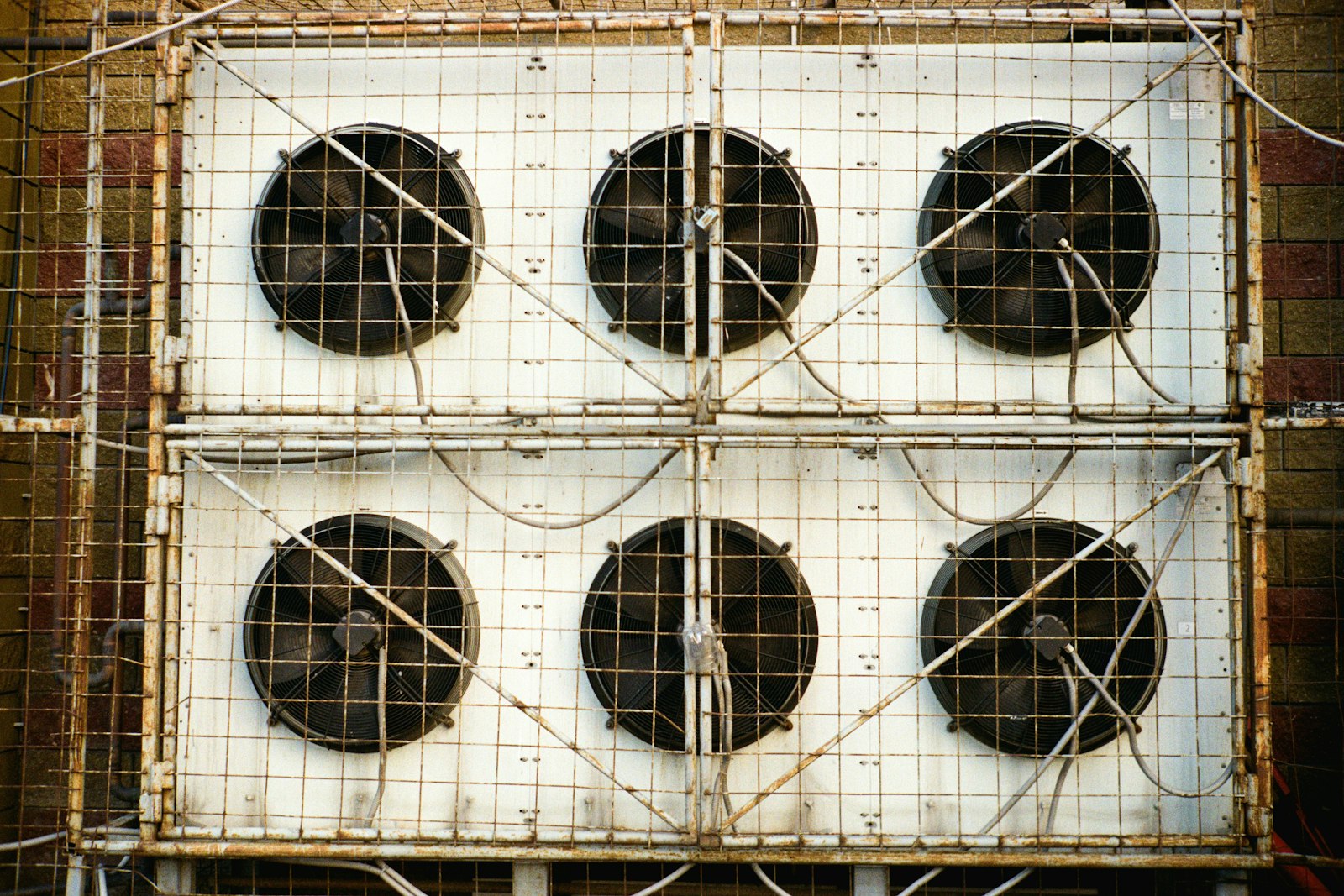
Keep the BMS that works, and add the loop it never had.
Your BMS points, read over BACnet or Modbus
- Points read in place
Aqueduct reads existing BMS and BAS points over BACnet or Modbus, so the system keeps running as it does.
- Metering it never had
Water, energy and air metering is added where the BMS was blind, fitted by installation partners.
- One model across sites
Every BMS in the portfolio feeds one data model, so sites compare on the same terms.

Alarms measured against what the building should use
- Weather-normalized baseline
Regression on usage plus cooling and heating degree days sets what each site should use.
- Bills for day one
Upload 6 to 12 months of utility bills and results start on day one, not after a year.
- Waste priced in money
Rate configuration turns the gap between actual and expected use into a cost the team can rank.

Sequences and schedules adjusted, then checked at the meter
- Owner-approved actions
Where control is enabled, with owner approval, Aqueduct adjusts sequences and schedules through the BMS you keep.
- Tickets to your CMMS
Faults the BMS cannot fix itself route into your CMMS with the diagnosis and a recommended fix.
- Every change audited
Command history records each change and whether it executed, then the meter confirms the result.
A BMS alone versus a BMS inside the loop
- The BMS sees HVAC, but water and air go unmeasured.
- Alarms fire with no baseline to say what matters.
- Setpoint changes happen and nobody can audit them later.
- Each site's BMS is managed one building at a time.
- A fix is closed in the ticket, never checked at the meter.
 The Aqueduct way
- Water, energy and air metering sit alongside the BMS points.
- Every alarm is weighed against a weather-normalized baseline.
- Command history records every change and whether it executed.
- One data layer compares every site's BMS on the same terms.
- Every fix is confirmed at the meter before it counts.
Your BMS runs the building. It doesn't run the flywheel.
A BMS that works is worth keeping. What it usually lacks is everything around it.
It sees HVAC, not water
Most BMS installs know zone temperatures and equipment states. Few know where the water goes or what each floor uses.
Alarms without a baseline
A threshold alarm fires if someone configured it. Nothing says what normal looks like after weather.
Changes nobody can audit
Local, unlogged changes make it hard to prove a saving or explain a comfort complaint.
One site at a time
Each building has its own front end. Nobody sees the portfolio in one view.
How keeping your BMS works
Aqueduct sits across the BMS and runs Monitor, Measure, Identify, Act, Verify.
Monitor
Read BMS and BAS points over BACnet or Modbus through a field device network controller, and add meters and air sensors where the site is blind.
Measure
Baseline water, energy and air by site, zone and asset, weather-normalized with cooling and heating degree days.
Identify
Detect leaks, anomalies and faults, and explain the cause in plain language.
Act
Route a ticket into your CMMS with a recommended fix. Where control is enabled, adjust setpoints and schedules with owner approval.
Verify
Confirm at the meter that the fix worked. The verified result becomes the new baseline.
What changes when you keep your BMS
Same building automation, more outcomes.
The BMS has no water data
Smart meters and sub-meters feed a live water balance
Loss with an address, found before the bill
Savings claimed against last year's bill
Weather-normalized baseline from 6 to 12 months of bills
Savings verified at the meter
Zone temperature only
CO2, VOC, temperature and humidity per zone, overlaid with occupancy
Air targets met without burning energy
Fault lists per controller
Faults diagnosed in plain language and routed to your CMMS
Faults found, diagnosed and fixed
What stays, what gets added
Keeping your BMS means no rework of what is working.
Your BMS stays
Sequences, schedules and the operator front end stay in place.
Metering gets added
Water, electricity and gas sub-metering, installed by partners where it is missing.
Air gets measured
Air quality sensors per zone, with occupancy as an input.
Actions get audited
Where control is enabled, every command is in an auditable command history.
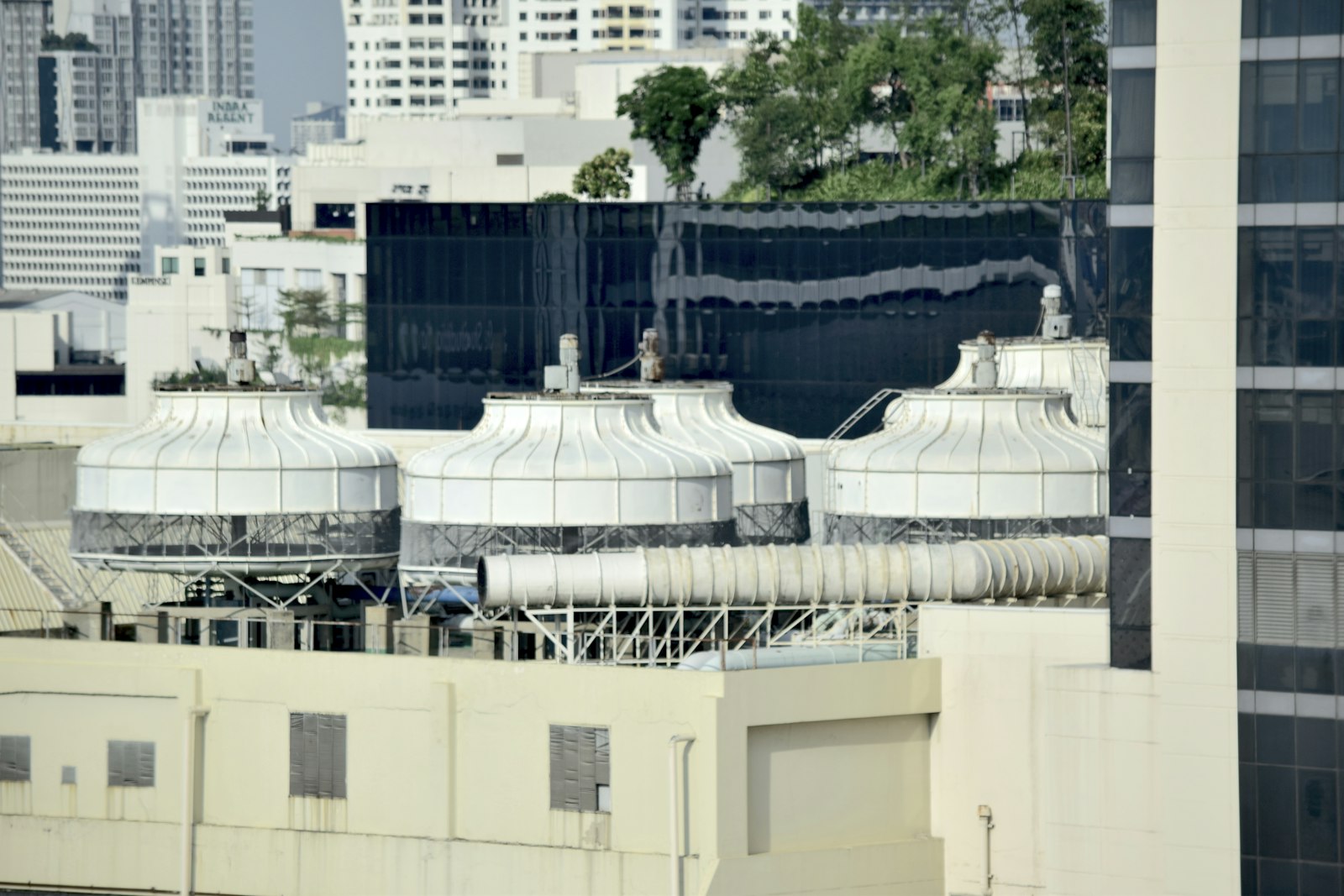
A working BMS deserves a second life, not a replacement nobody needed.
Talk to our teamThe three seats
“Do I have to rip out my BMS?”
No. Keep it. Aqueduct works across it and adds what it does not do.
“Can I see every site in one place without changing each one?”
Yes. Each site joins one model in aQ Core, with a site map and portfolio views.
“What do I need on site?”
Network access to the BMS over BACnet or Modbus through a field device network controller, plus any meters and sensors the site is missing.
When to keep, and when to look at replacing
Keep your BMS when the controls are sound, the sequences are tuned and your team knows the front end. Aqueduct adds the outcomes the BMS was never built for: water, verified energy savings, air against occupancy, and faults routed to your CMMS.
If the controllers have aged out, parts are hard to source, or every change needs an outside contractor, look at replacing it. If the building is not built yet, build Aqueduct in. All three doors are equal; the right one depends on what is installed.
Related terms
Glossary entries for this way in.
Where teams put it to work
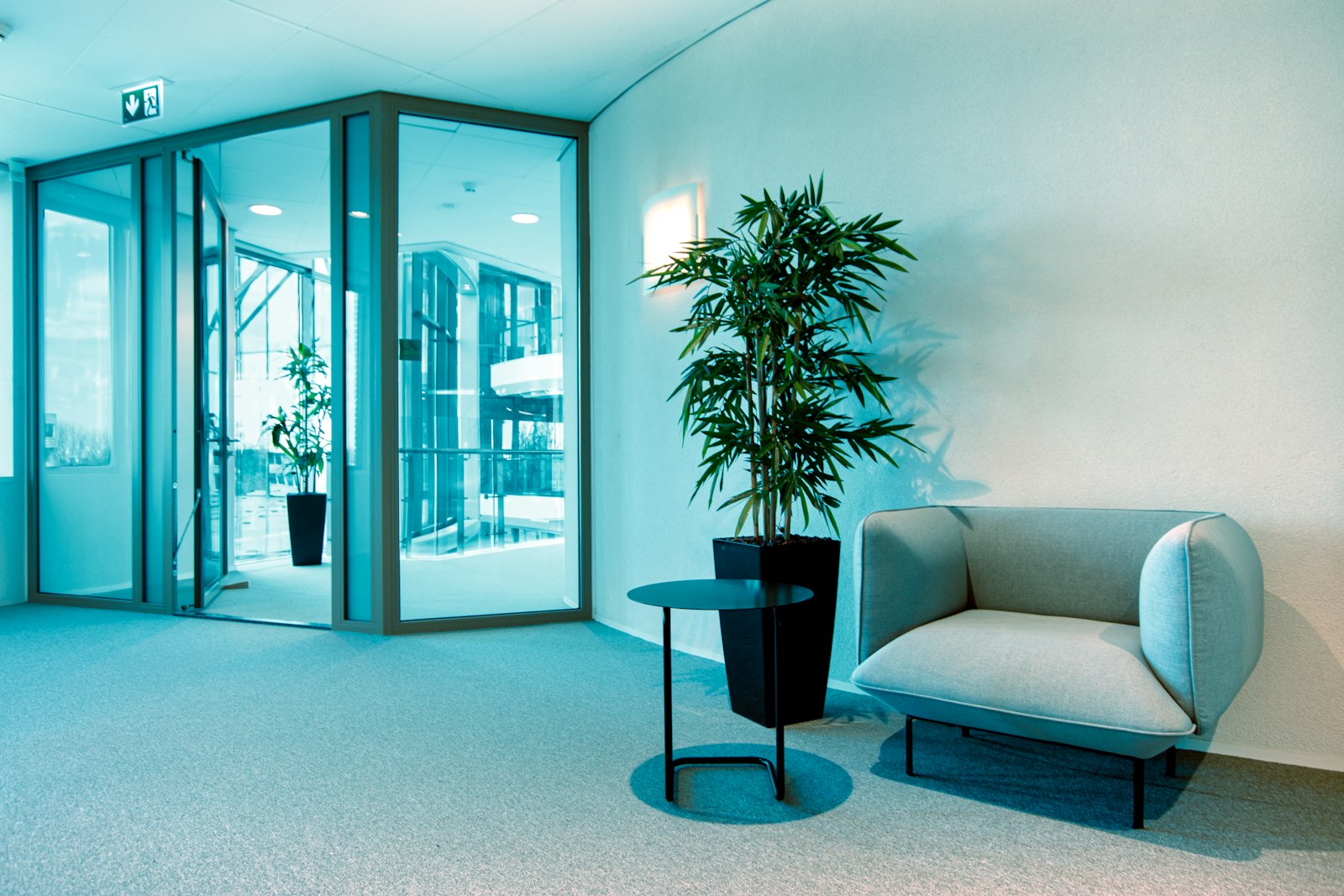
Many buildings, many BMS brands
Portfolios with different BMS brands in each building read them all into one model and compare sites on one weather-normalized basis.
Learn more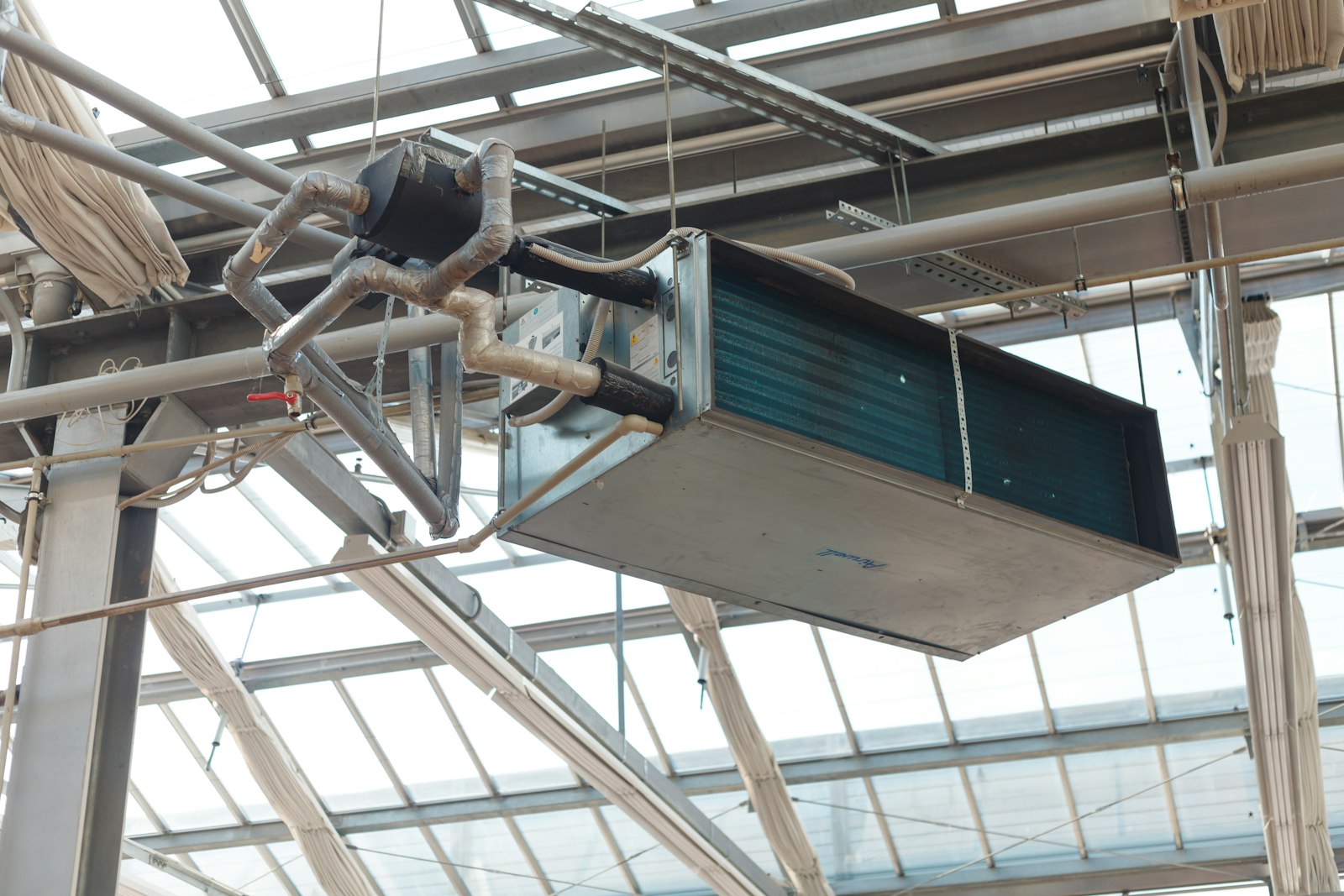
Ventilation tuned to occupancy
Air sensors by zone, overlaid with occupancy, show where ventilation falls short, and approved changes run through the existing BMS.
Learn more
Schedules that match how the building is used
Equipment running outside occupied hours is found against the baseline, and approved schedule changes are verified at the meter.
Learn moreRelated
Common questions
Yes. It reads BMS and BAS points over BACnet or Modbus through a field device network controller, and works across what is installed.
No. Aqueduct only acts where control is enabled and with owner approval, and every command is recorded in the command history.
Water balance and leak detection, weather-normalized baselines, air quality against occupancy, faults routed to your CMMS, and savings verified at the meter.
Only where the site is blind. Aqueduct connects existing meters, sensors and BMS points first, and partners install anything missing.
See Aqueduct on your own facility.
Bring a site, a utility bill or a question. We will show you where the loss is.