A live digital twin for buildings and campuses, built from what you actually have.
A digital twin for buildings is a live virtual model of a site: its assets, their states and how they connect, updated from real telemetry rather than drawn once. Aqueduct builds it block by block for water, electricity and equipment, so the balance equations, single line and component states you see match the installation and update every 60 seconds.
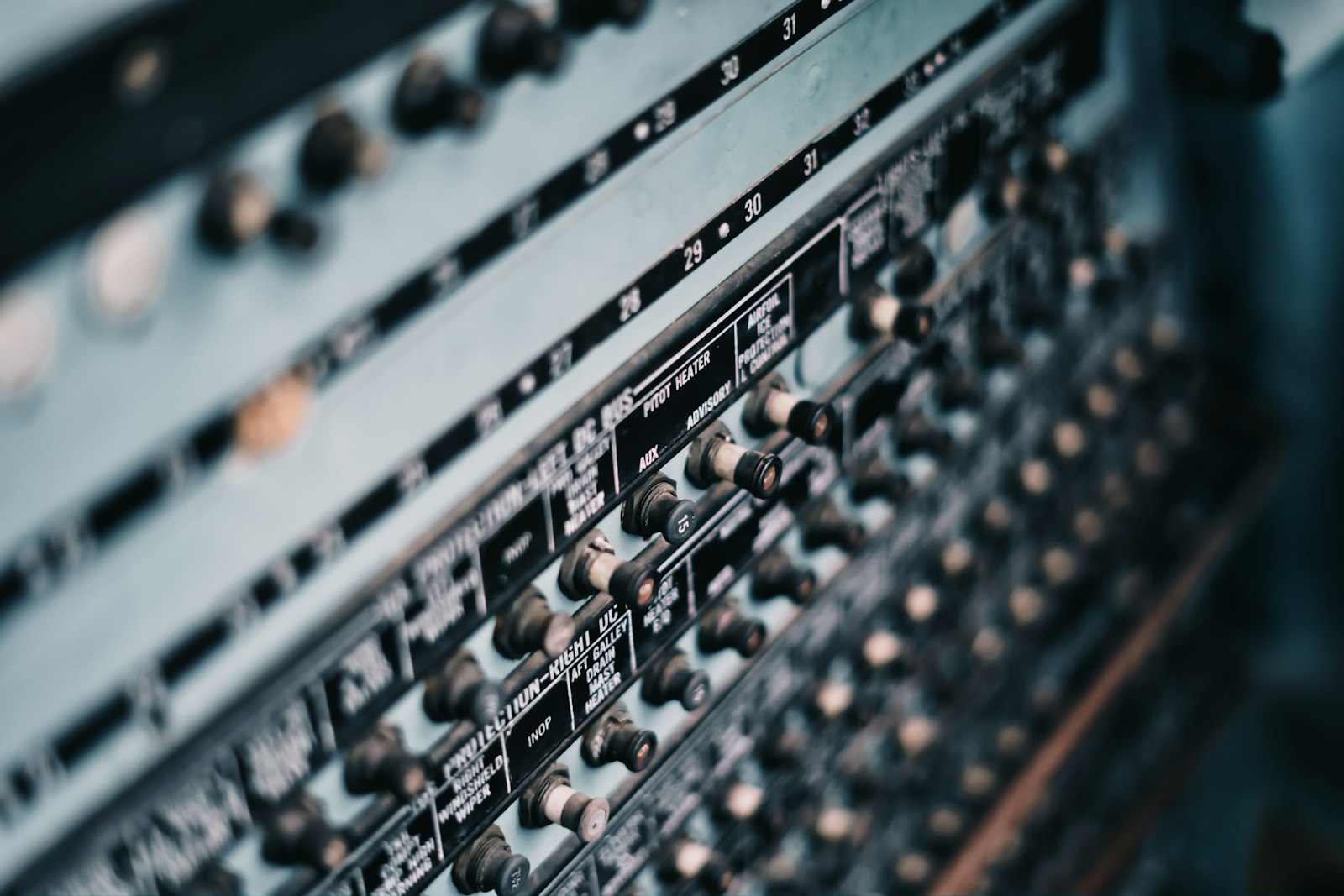
A live model of your site, built from what you actually have installed.
Every twin matches the real installation
- Water twin
Tanks, headers, floors, RO, STP and reuse are drawn only where the site actually has them.
- Electric twin
Utility supply, solar, generators, the main switchboard and feeders follow the real single line.
- Equipment twins
RTUs, AHUs and chillers appear as components and states, not lists of raw points.
Water and energy shown as equations
- Water balance
Main supply equals all floors plus fire system plus RO feed plus unaccounted loss, live.
- Energy balance
Grid, solar and backup equal HVAC, lighting, plugs, services and losses, in kW.
- Updated from telemetry
Every twin refreshes every 60 seconds from meters and devices, not redrawn by hand.
One model links water, power and equipment
- Cross-system evidence
An HVAC feeder above baseline is linked to an economizer stuck closed on the RTU twin.
- Context and 3D views
aQ Atria adds site context and 3D views, so people find the problem in the space.
- Act from the twin
Where control is enabled, schedules and commands run from the twin, with command history.
Building models, before and after Aqueduct
- A design-stage 3D model is handed over and never updated.
- Generic dashboards show tiles that hide how systems connect.
- A BMS point list shows values, not whether equipment works.
- Water, energy and HVAC sit in separate tools.
- Changes to equipment happen far away from the model.
 The Aqueduct way
- The twin updates every 60 seconds from live telemetry.
- Balances show exactly how water and power flow through the site.
- Equipment twins show each component and its state.
- One model links water, energy and equipment evidence.
- Where control is enabled, commands run from the twin itself.
What a building model looks like without Aqueduct
Many digital twins are drawings that stop matching the building the day they are delivered.
Static models
A 3D model from design is handed over and never updated with what the building is doing.
Generic dashboards
Tiles of numbers that do not show how water, power and equipment connect.
Raw points, no meaning
A BMS point list shows values, not whether a damper, fan or compressor is doing its job.
Separate views for each system
Water, energy and HVAC sit in different tools, so cause and effect across them is lost.
How the digital twin works
Built on aQ Core, with aQ Atria context and 3D views.
Build the site hierarchy
Sites, floors, zones and devices are laid out on real CAD floor plans, including multi-floor sites in one layout.
Model each system block by block
The water twin covers tanks, headers, floors, RO, STP and reuse. The electric twin covers utility supply, solar, generator, switchboard and feeders. Only the blocks the site has are drawn.
Render the balances
Water and energy balances appear as equations, so every term is visible and unaccounted loss stands out.
Model equipment as components
Device twins show an RTU or AHU as its real components and states: mode, dampers, cooling, heating, fans and lockouts.
Keep it live and actionable
The twin updates every 60 seconds from telemetry. Where control is enabled, schedules and commands are issued from the same view, with command history.
One problem seen across systems
An illustrative case at a commercial building.
Water, electric and RTU twins update from telemetry across the site.
The electric twin shows the HVAC feeder above its baseline for the afternoon.
The RTU twin shows the economizer closed on a mild day while compressors run. Aqueduct links the extra load to that unit.
A ticket goes to the CMMS to check the economizer actuator, with both twin views attached.
After repair, the RTU twin shows the economizer working and the HVAC feeder returns to its baseline.
Problem, solution, impact
Loss hidden in a meter total.
A live water balance, block by block.
Unaccounted loss visible on the twin.
No view of where power goes.
A live single line with the energy balance.
Every source and end use in one picture.
Equipment seen as raw points.
Device twins with component states and control quality KPIs.
Faults and drift understood at a glance.
What you get
Water twin
Tanks, headers, floors, RO, STP and reuse, with the balance equation.
Electric twin
Sources, switchboard and feeders, with the energy balance and power triangle.
Equipment twins
RTUs, AHUs and chillers as components and states.
Floor plans and zones
Real CAD plans, multi-floor layouts and zones you can edit.
Live every 60 seconds
Updated from telemetry, not redrawn by hand.
Context and 3D views
aQ Atria context and 3D views of the site.
Where it fits
- Static BIM handover models used as operations tools
- Generic monitoring dashboards
- BMS and BAS points
- CMMS
- EAM
- IWMS and CAFM
- Historians
Aqueduct uses digital twins to deliver outcomes. The twin is the view; the flywheel is the point.
Related terms and standards
Where teams put it to work

Specified at design stage
Architects and MEP engineers build the twin in from the start, so the handover model is live from the first day of operation.
Learn more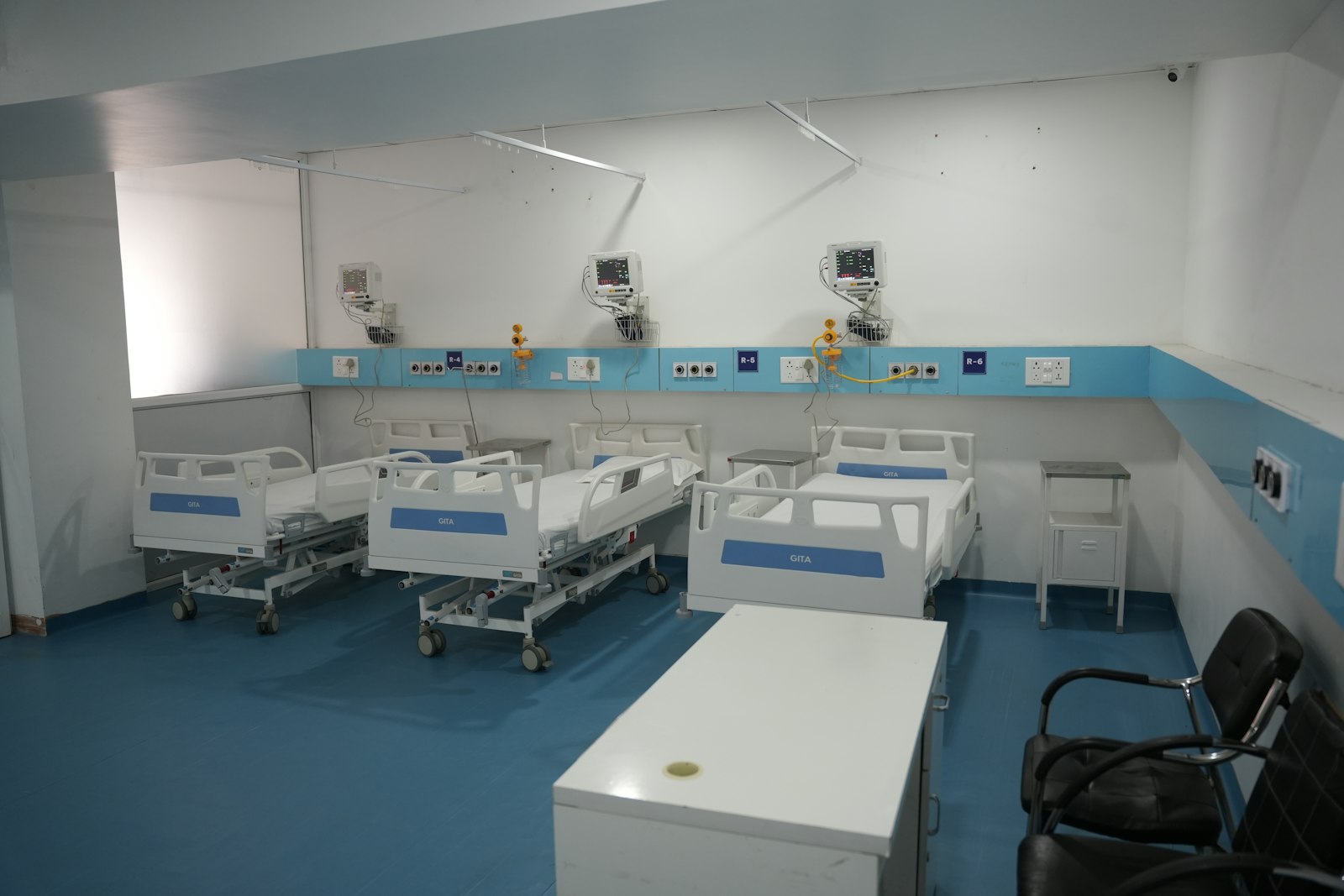
Water, power and air in one model
Hospital teams see the water network, the electrical single line and the air handlers together, so cause and effect are clear.
Learn more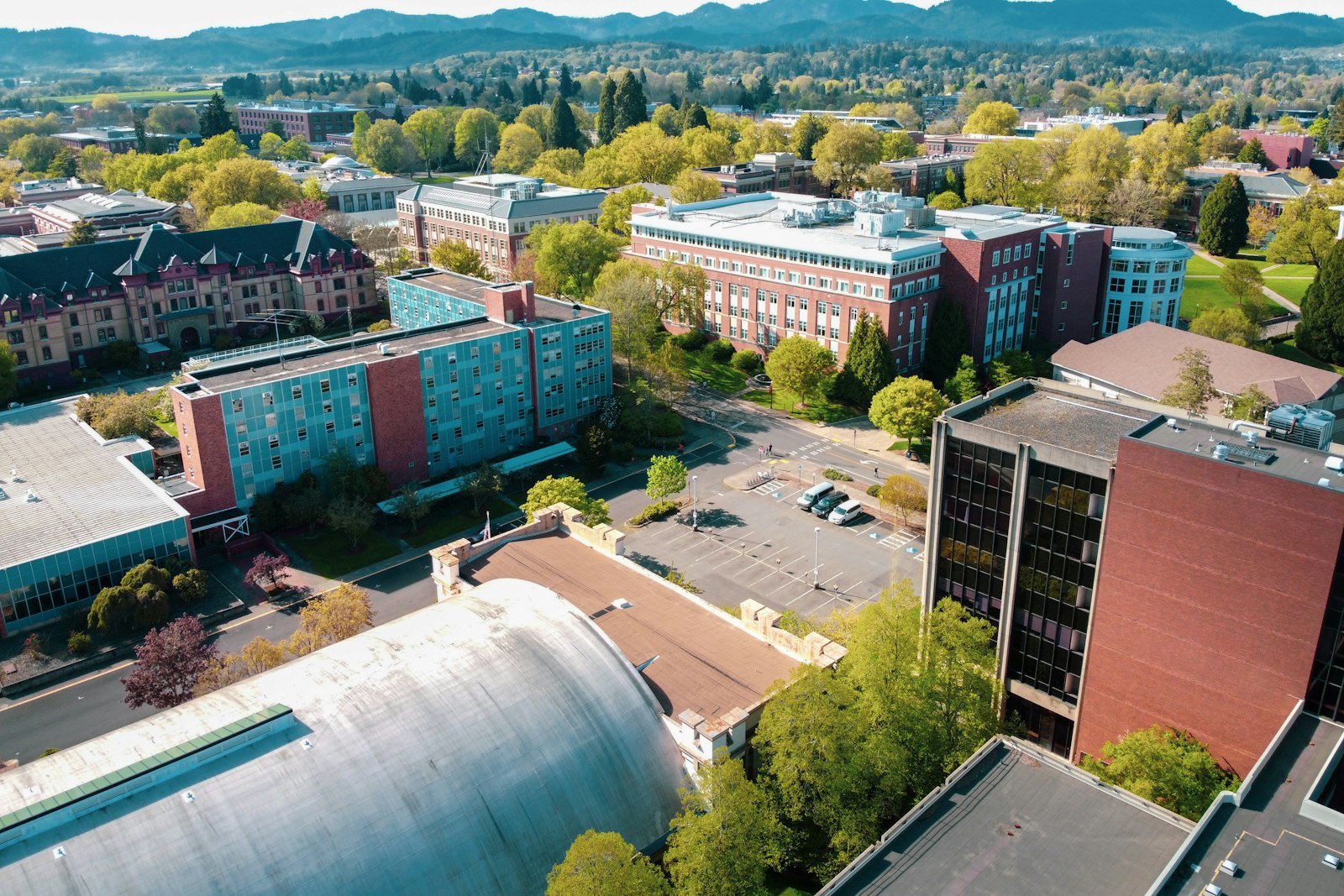
Many buildings, one live model
Each building sits in one hierarchy with its own twins, so campus teams move from portfolio view to a single damper.
Learn moreRelated
Common questions
A live virtual model of a site: its assets, their states and their relationships, updated from real data. It is not a static drawing.
No. Aqueduct builds the twin block by block from your floor plans and what is actually installed.
It updates every 60 seconds from telemetry.
Where control is enabled and the owner approves, schedules and commands are issued from the device view, and every command is recorded in command history.
Water, electricity and equipment such as RTUs, AHUs, chillers and VAV boxes, plus air quality by zone, all on the aQ Core data layer.
See Aqueduct on your own facility.
Bring a site, a utility bill or a question. We will show you where the loss is.